Clean TXT YouTube Transcripts
Download easy-to-read YouTube transcripts without timestamps for study notes, blog drafts, research, or internal documents.
Using YouTube Transcript Downloader to transcribe videos, playlists, and channels. Export with timestamps, remove timestamps for notes, research, summaries, and workflows.

With the YouTube transcript downloader, you can directly obtain text that can be used in your actual workflow without additional editing. Increase efficiency by 10x.
Download easy-to-read YouTube transcripts without timestamps for study notes, blog drafts, research, or internal documents.
Preserve timestamps for easy citation, reference, note editing, or quick jumps to specific moments in the video.
Export subtitle files with one click for YouTube captioning, accessibility, video editing, localization, or republishing workflows.
Download structured transcript data with timestamps and metadata, ideal for developers, researchers, and automated workflows.
Clean transcripts suitable for ChatGPT, Claude, Gemini, NotebookLM, summarizing tools, and content analysis tools.
Once the YouTube transcript downloader finishes transcribing, you can get a structured summary with one click to quickly grasp the main points of the video.
Use downloaded transcripts Video Transcription AI's free youtube transcript downloader for content you own, have permission to use, or are allowed to analyze under applicable rules. Respect YouTube's terms, copyright, creator rights, and privacy. If you plan to republish, translate, or commercially reuse transcript content, make sure you have the required rights.
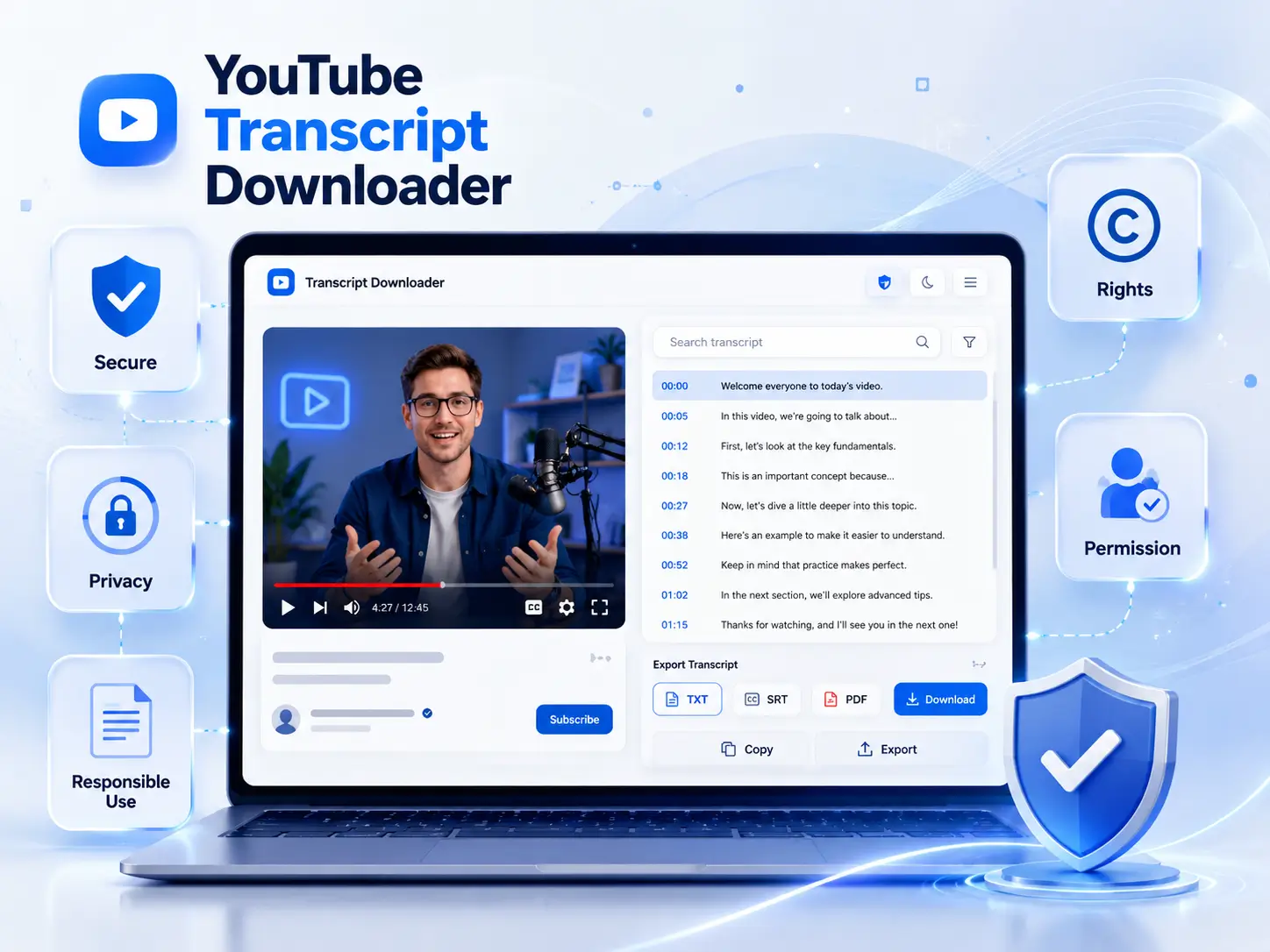
Our YouTube video transcript downloader offers a set of core features that have made it a trusted choice for over 2M+ students, researchers, content creators, marketers, developers, and AI teams worldwide.
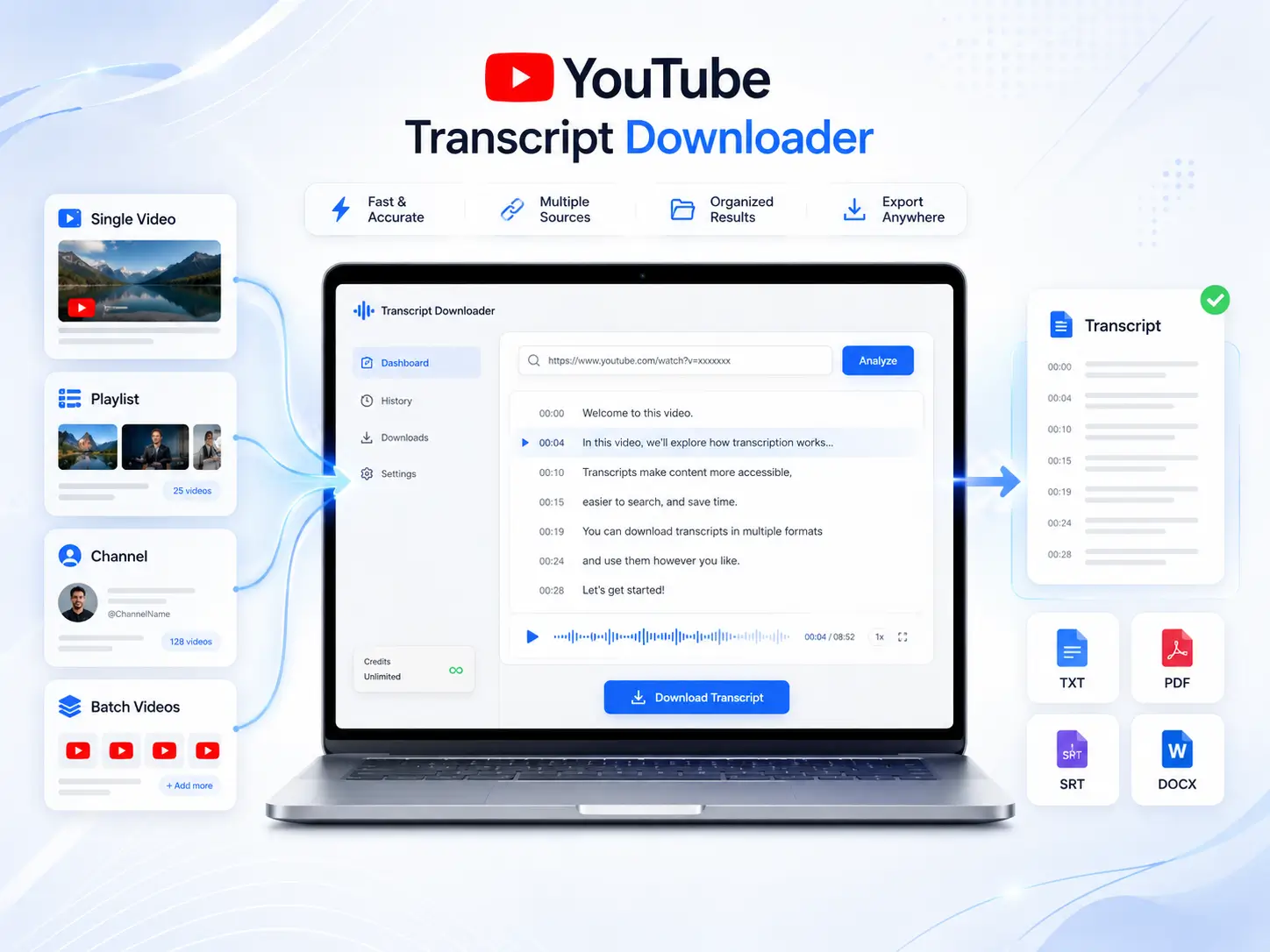
Whether you want to transpile a single video or multiple YouTube videos, our free YouTube transcript downloader can do it. Simply paste the YouTube video link, playlist link, public channel video link, or short video link to get the YouTube video transcript in seconds.
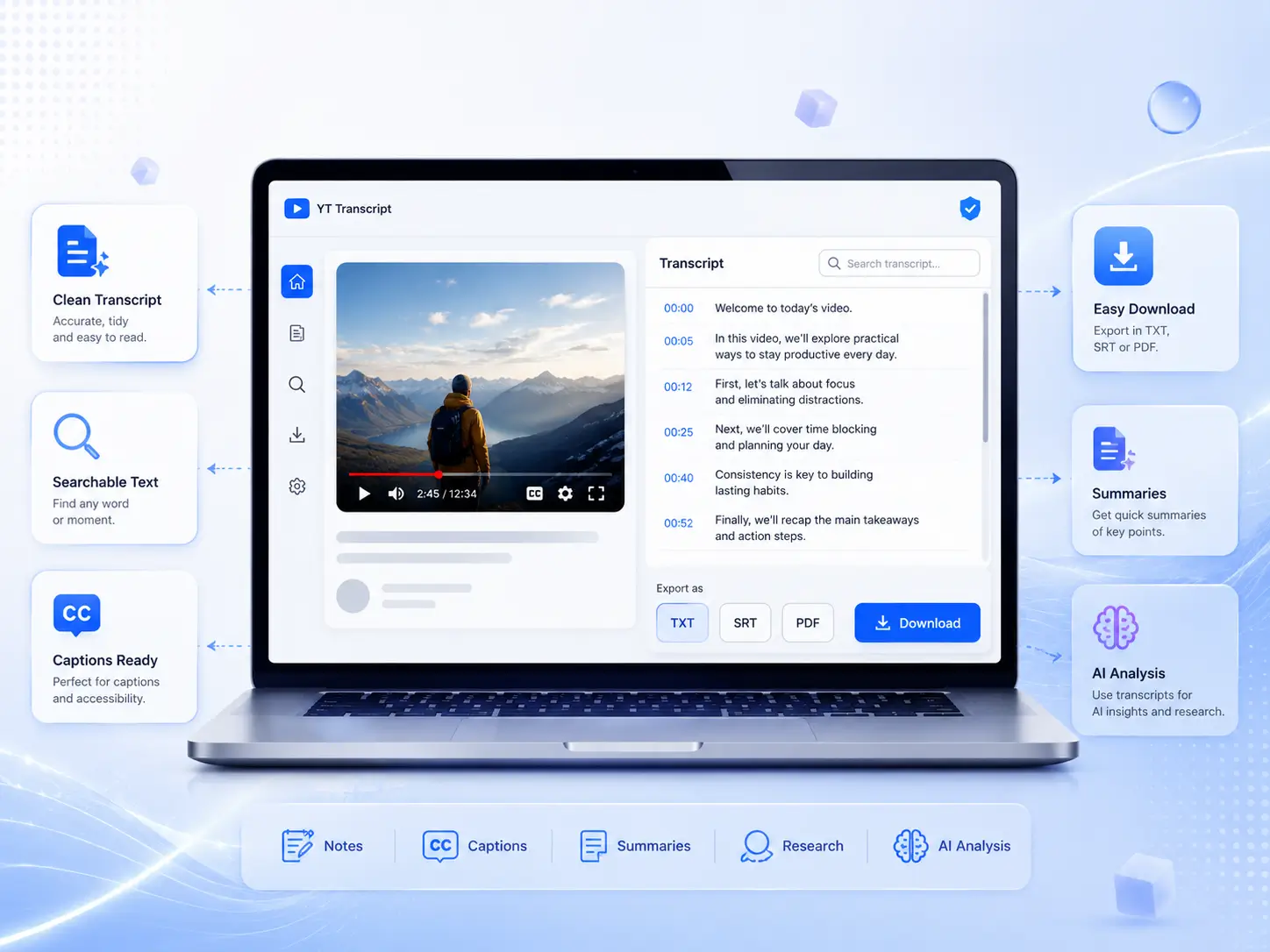
Say goodbye to messy YouTube video transcripts with YouTube Transcript Downloader. Simply paste the link, choose the output format, and download a clean transcript file to immediately use for notes, captions, summaries, research, or AI analysis.
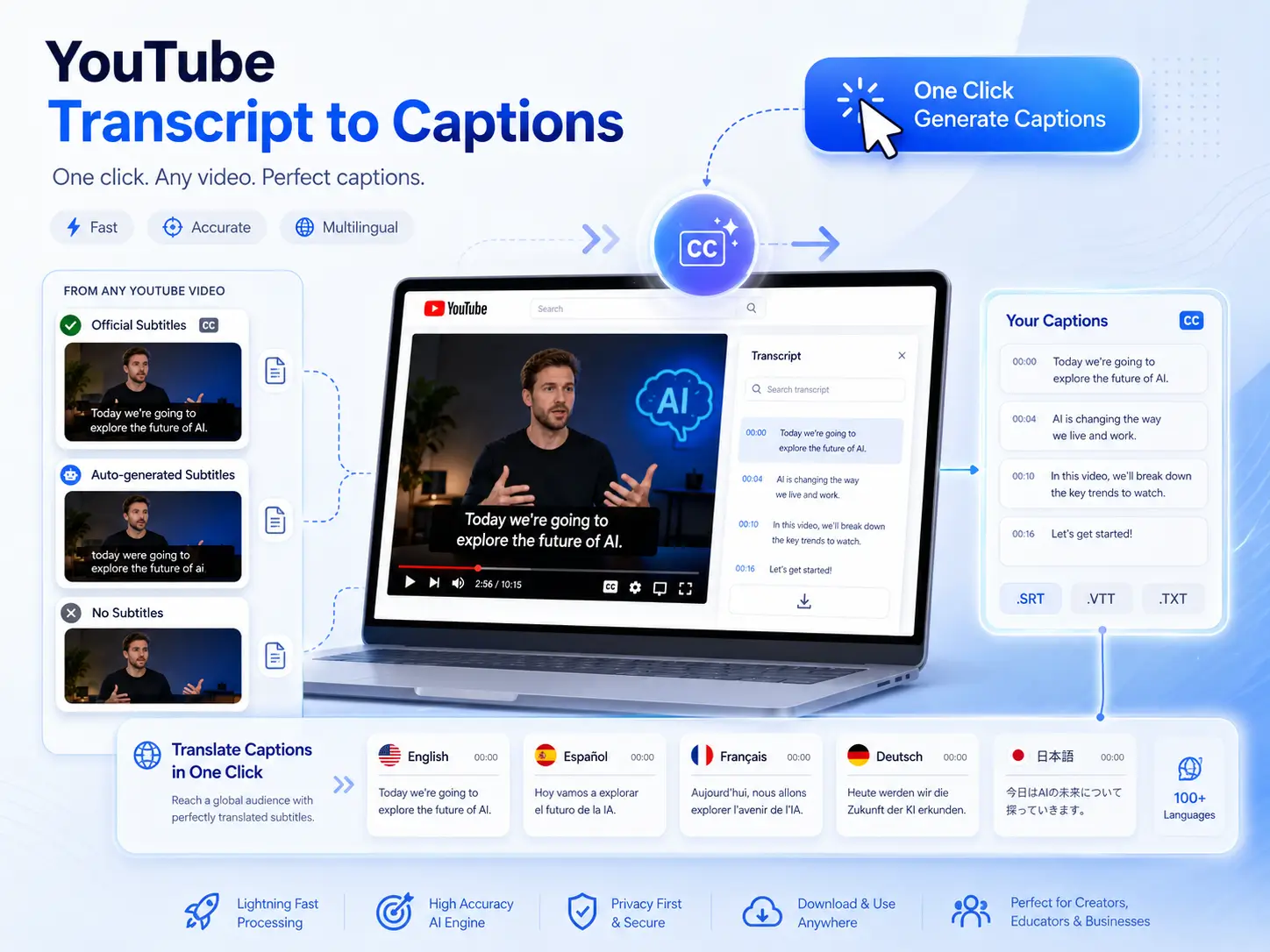
Typically, some videos have official subtitles, some only have automatically generated subtitles, and some have no subtitles at all. But with our YouTube transcript downloader, usable subtitles are generated for you before you waste time. You can even translate them into multiple languages with a single click.
If you are unclear about a part of a long YouTube video, you can directly open the AI chat function in YouTube Transcript Downloader and ask the AI about the part you don't understand. You can understand any content of the food exhibition without replaying the video.
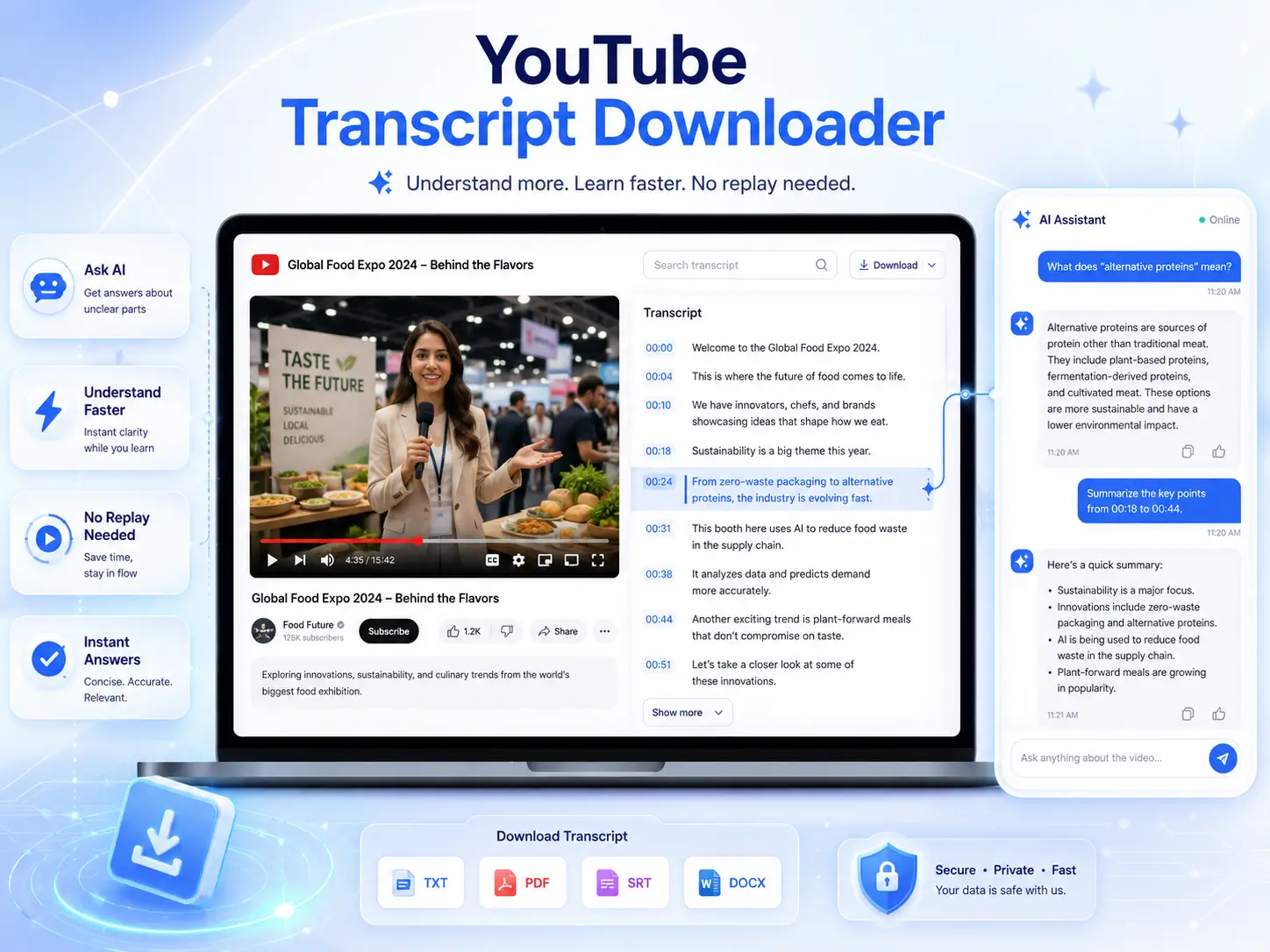
Paste any YouTube video URL into the tool and start generating your transcript.
Click "Generate" and our AI will quickly transcribe the video into clear, accurate text.
Download your transcript as text in your preferred language and format for easy use.
Paste a YouTube video, playlist, channel, or Shorts link and export the transcript. Save time, skip manual copying, and turn YouTube videos into usable text.
Download YouTube TranscriptNo Extension Required
Free to Use
100% Safe And Private