
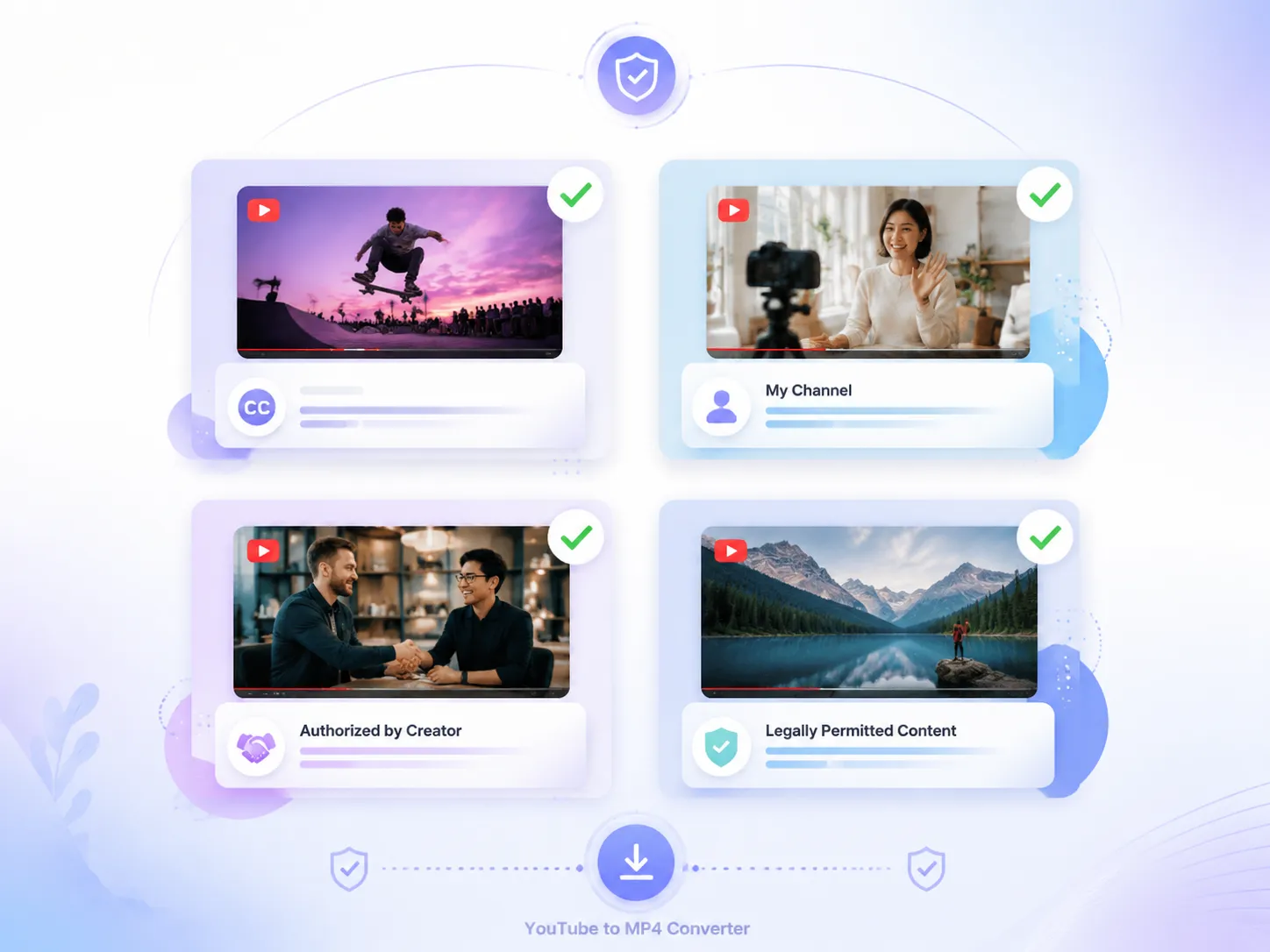
Supported Videos
- Publicly licensed videos or YouTube Shorts that allow downloading
- Original videos uploaded to your own YouTube channel
- Videos you have received permission from the creator to download
- Content that you have the legal right to use
Copy and paste YouTube video links, instantly download videos in 2K and 4K HD quality with our free YouTube to MP4 converter. Try it for free.
Parse the video first, then download it instantly.
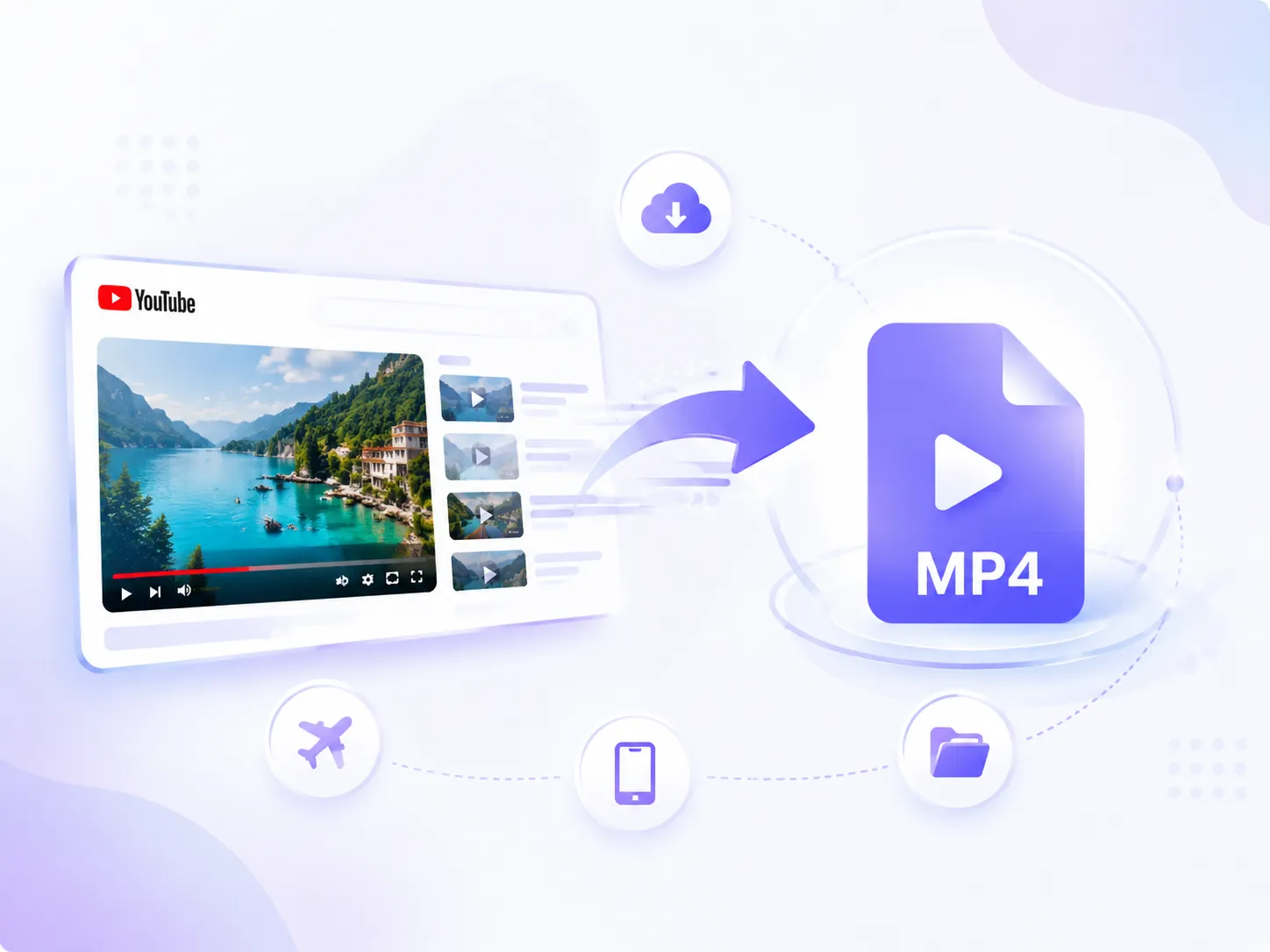
YouTube videos are not always easy to save and use. When you want to watch them offline or open them on different devices, you may run into limitations caused by internet access and video formats. Our YouTube to MP4 converter helps convert videos into MP4 files quickly, allowing you to save them locally in high quality. This makes video playback more flexible and easier to organize for later use.
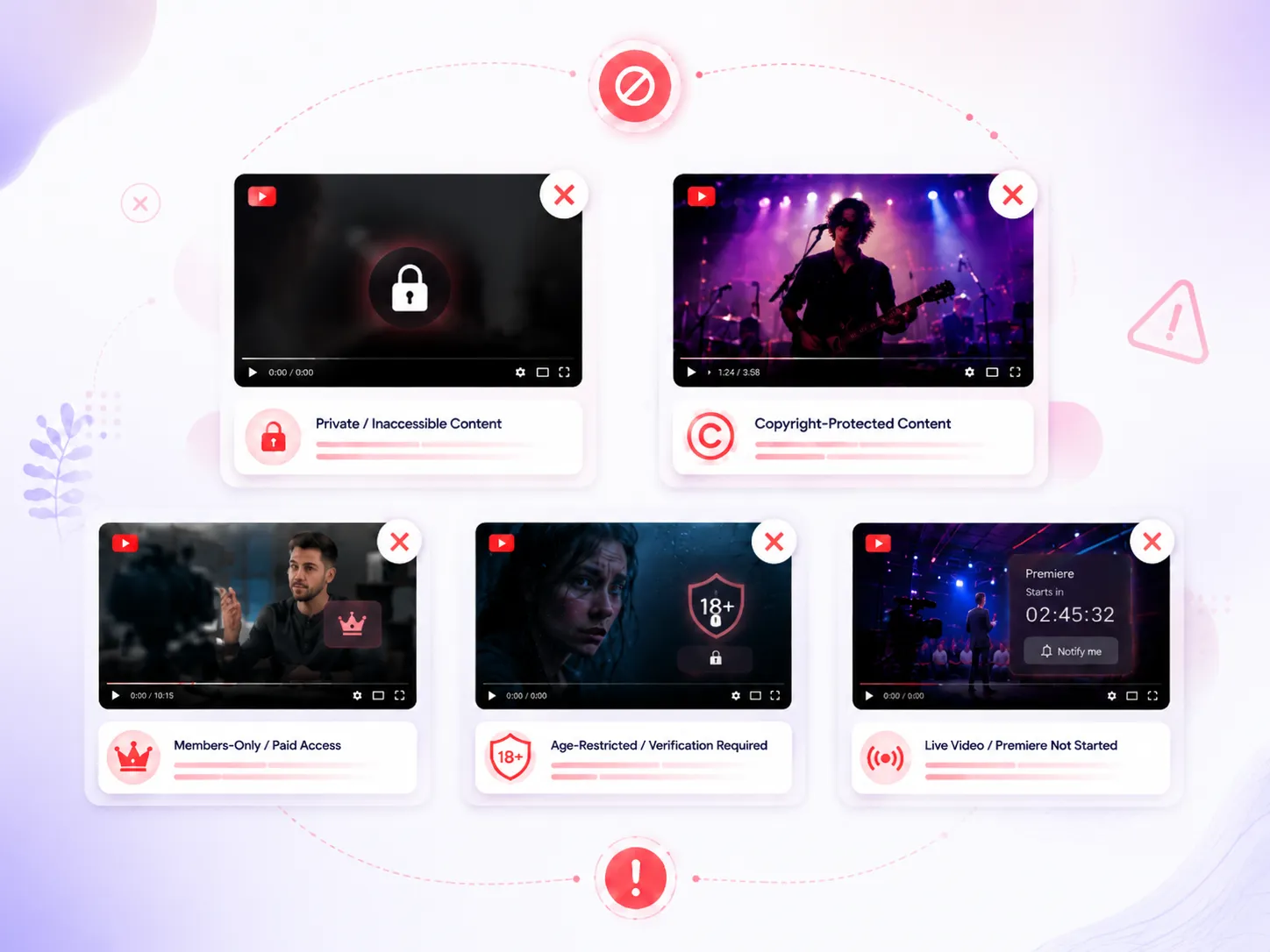
Not every YouTube video can be downloaded. Check supported video types before using our YouTube to MP4 converter to avoid access or format issues.
For important learning materials or videos you enjoy, there's no need to reopen YouTube and wait for them to load every time. Our YouTube to MP4 converter lets you save videos directly to your device, so you can watch them anytime without an internet connection. Keep your favorite videos saved for easy access and avoid interruptions caused by slow networks or limited availability.
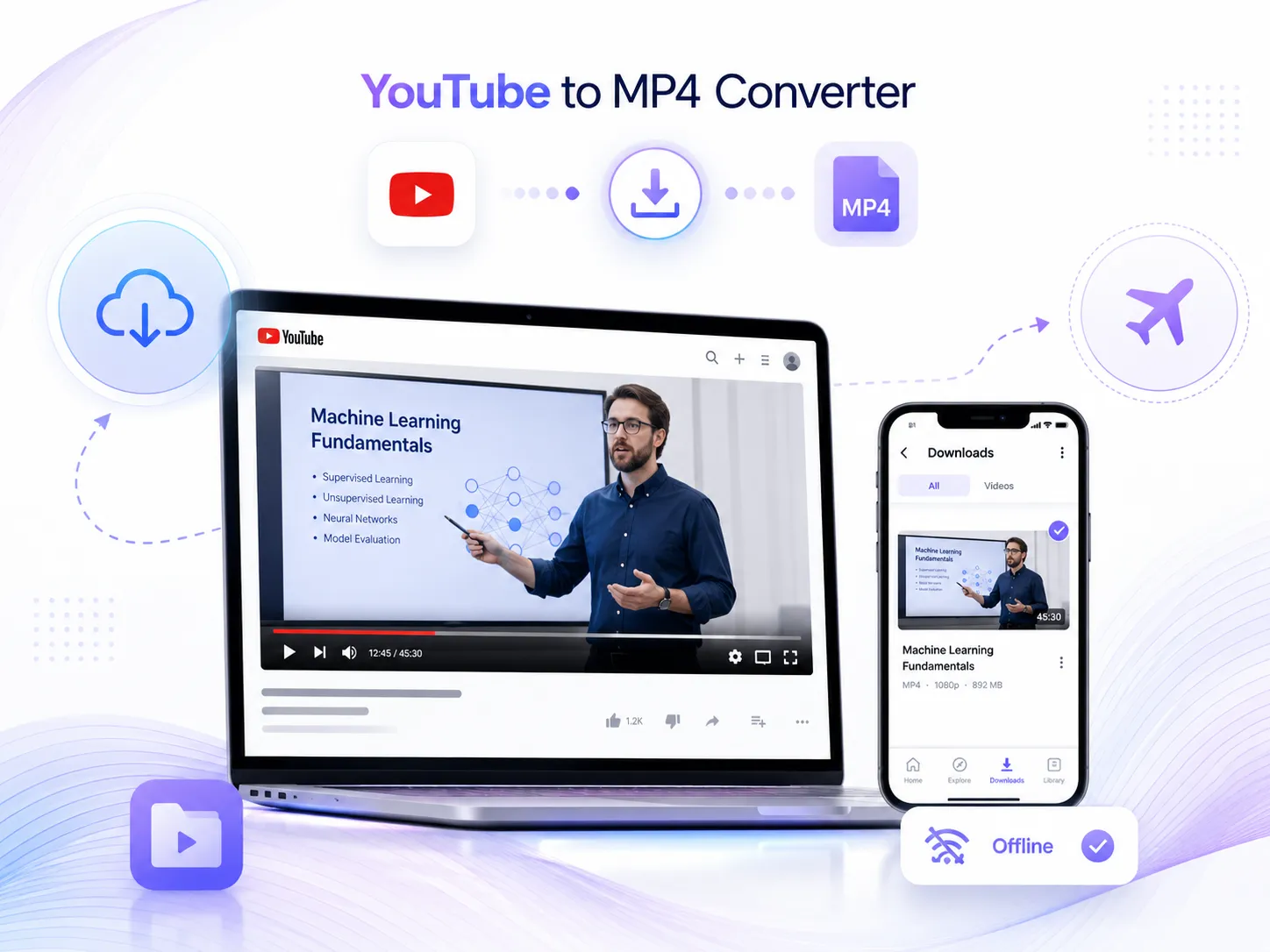
When using video download tools, quality loss is a common issue. The converted videos may become slightly blurry after processing. With our YouTube to MP4 converter, the original video quality is preserved during conversion, so your downloaded videos can still maintain clear 4K and HD quality without affecting your viewing experience.

Our YouTube to MP4 converter works across computers, smartphones, and tablets, allowing you to easily convert and save YouTube videos on the device you prefer. There is no need to stick to one specific device, you can download videos directly to different devices and watch them whenever you need. We also use security measures to help protect your privacy throughout the process.

Copy the link of the YouTube video you want to convert. Make sure the video is available for downloading and conversion, otherwise it may not be processed successfully.
Paste the link into our YouTube to MP4 converter and click the button to start processing. No additional settings are required, the tool will automatically handle the conversion.
Once the conversion is complete, click the download button to save the MP4 file to your device. You can open it anytime or use it for further tasks like transcription or summarization.
"I usually save useful videos for later reference, and yt to MP4 converter makes the process much easier. After converting videos to MP4, I can keep them organized on my device and use them whenever I need, without searching for the same videos again."

Lucas Martin
"The video quality is what impressed me the most. Some converters reduce the quality after downloading, but the videos converted with this YouTube to MP4 converter still look clear. It works well when I need to save HD videos without losing too much detail."

Ethan Miller
"I like how simple the whole process is. There are no complicated steps or settings to figure out. I just paste the video link, start the conversion, and get the file ready in a short time. It's a convenient option when I need to save a YouTube video quickly."

Henry Clark