Free Video to Text Converter Online - Unlimited
Drop in your video and let our free video to text converter do the rest with no detours. No limits, No sign up.
Why Do You Need a Video to Text Converter?
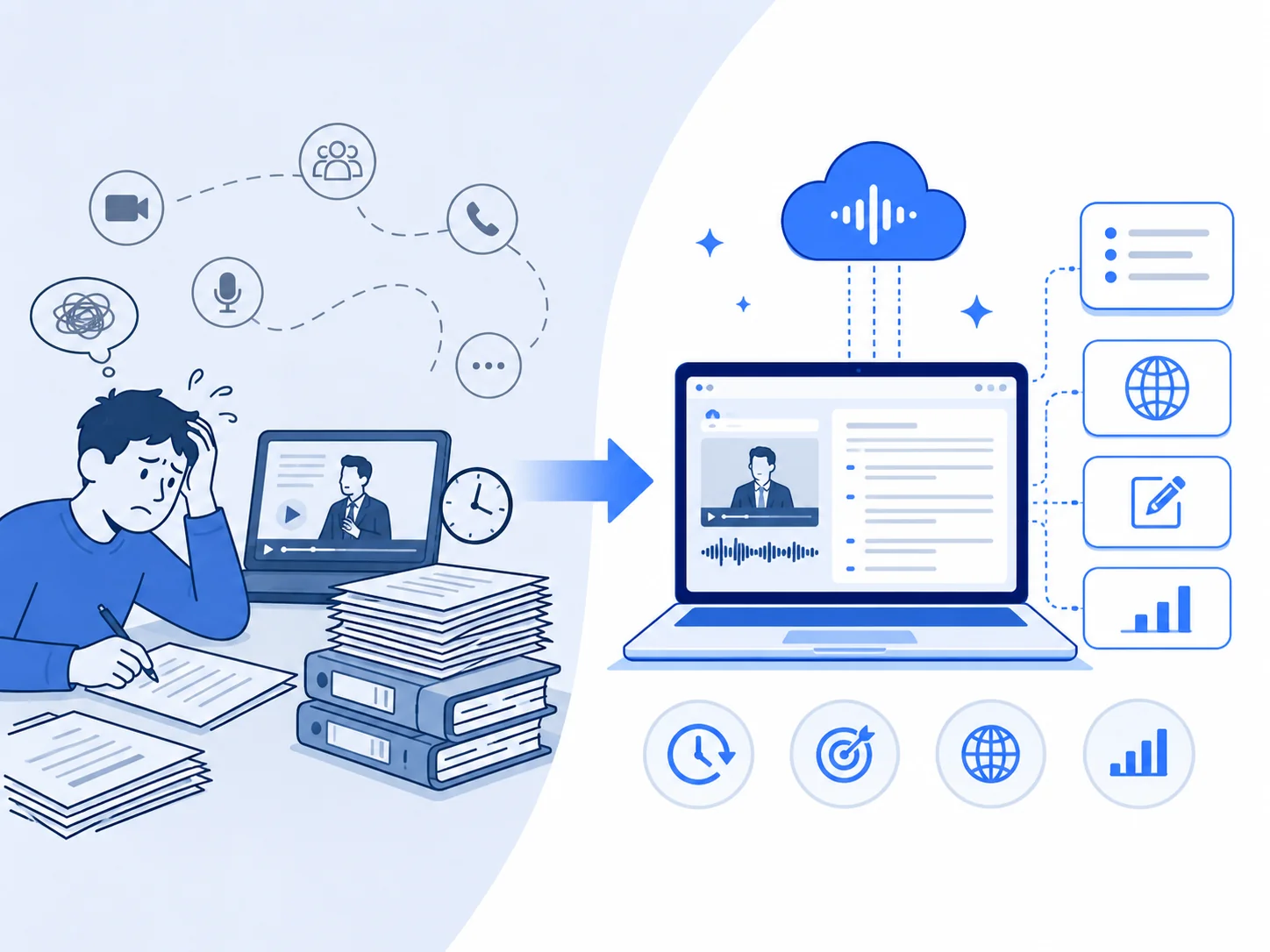
Manually converting video to text is both time-consuming and repetitive. Even for short videos, the time required for transcription is often several times the duration of the video itself. Moreover, videos that call for transcription tend to be the longer ones: business meetings, long client video calls, interviews and conferences. Instead of treating video as content that must be watched from beginning to end, Video Transcription AI gives you that time back. Once the transcript is ready, get more things like key points, translations, and edits.
What Will You Experience Using This Free Video to Text Converter?
Users show up for the free video to text transcription and stay for the thoughtful details.
Precise Translation in Multiple Languages
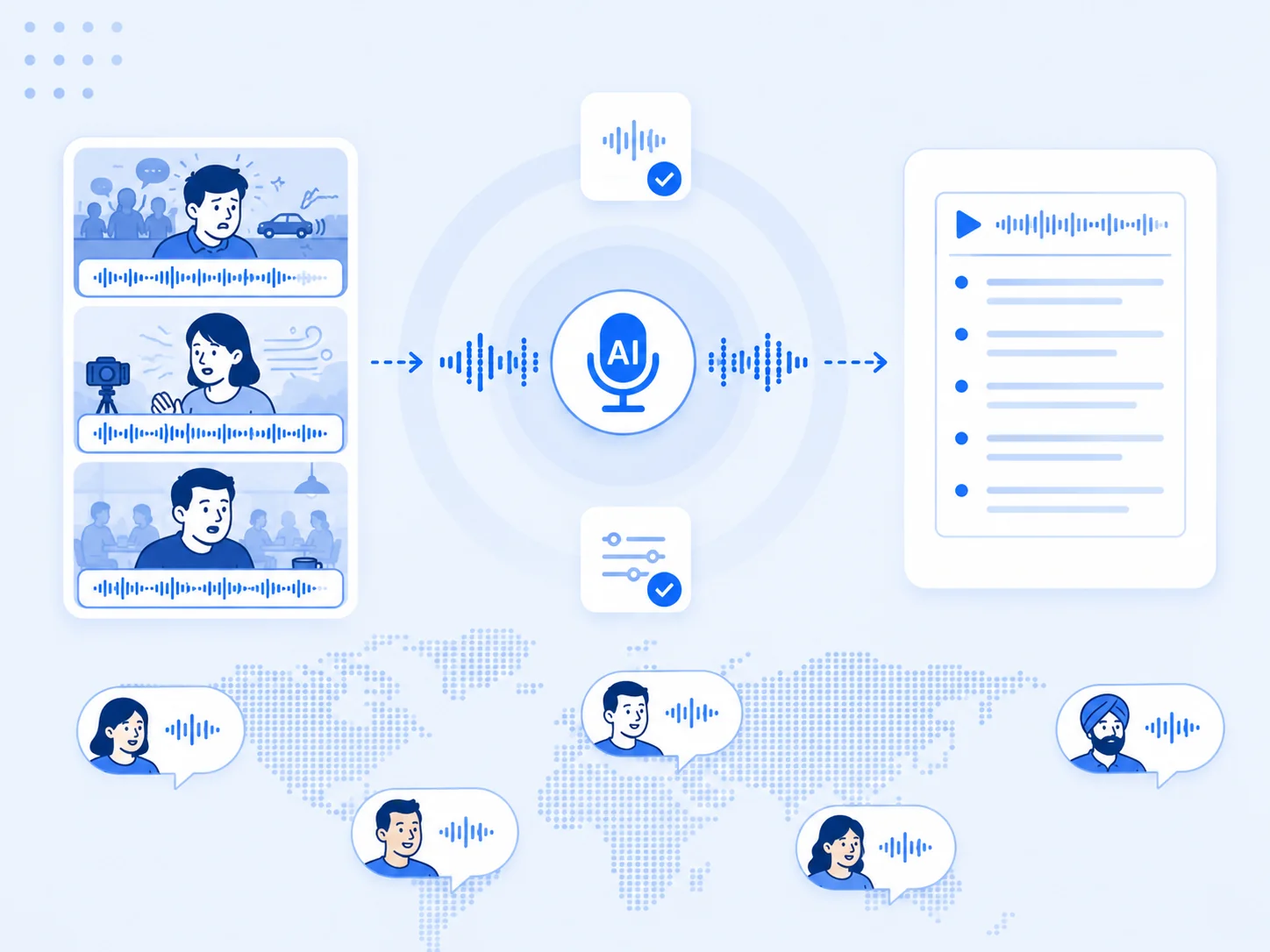
Expand your horizon and connect with viewers worldwide. Our video to text converter supports over 120 languages, so a single video can reach audiences around the world.
Speaker Identification with Clear Labels
When multiple people are speaking in a video, each speaker is automatically labeled, so users can easily follow the content and don't have to guess who is speaking.
Flexible Input & Output Format Support
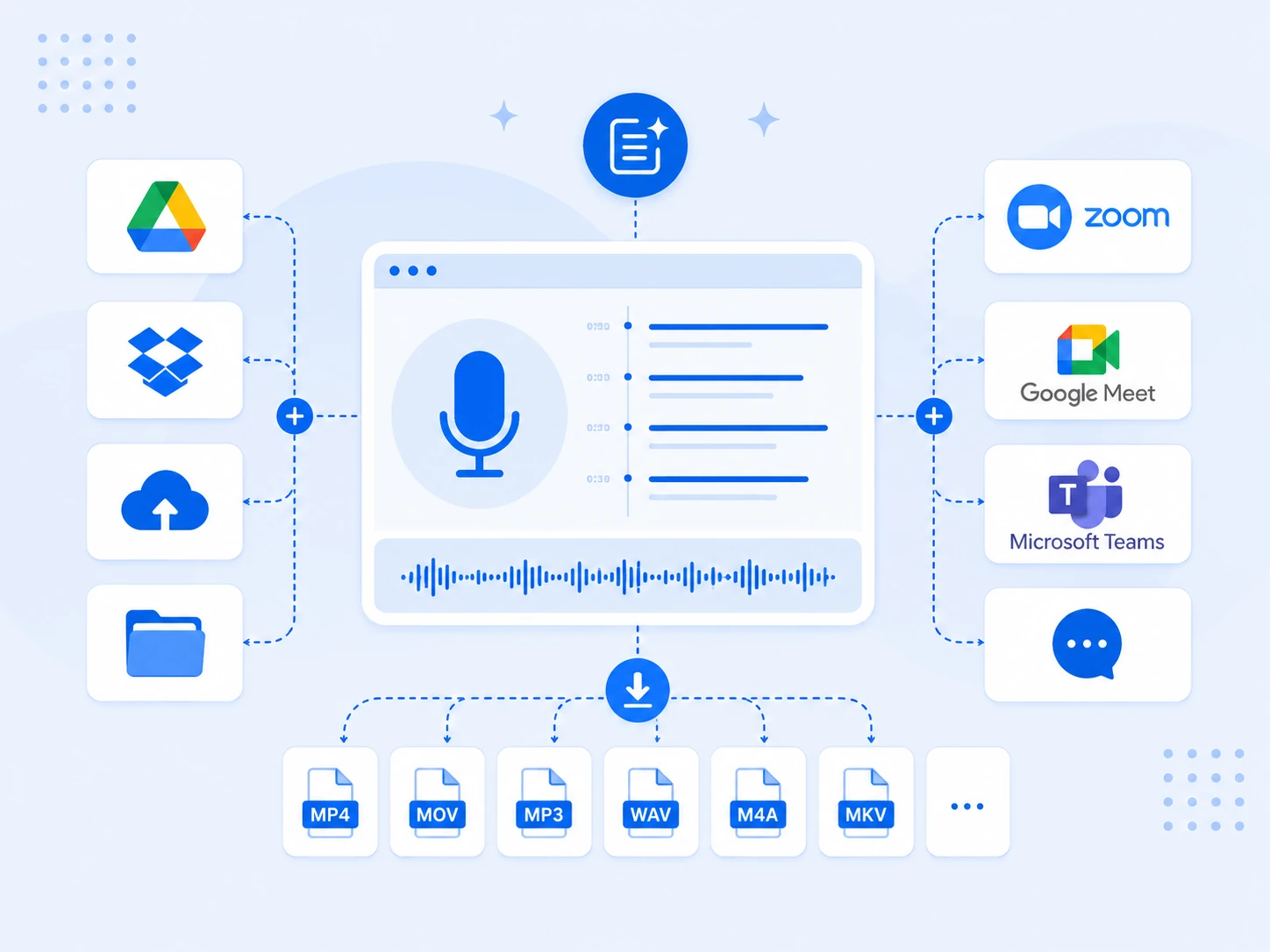
Video to text converter supports uploads in MP4, MOV, AVI, MKV, and WebM formats, and exports in TXT, DOCX, PDF, SRT, VTT, or Markdown formats to meet your needs.
Interact With the Built-in AI Chat
Ask questions like "extract key sections", or "request a summary" after you get transcripts. The AI chat reads the transcript and answers your questions.
What Can You do With Our Free Video to Text Transcription Tool?
A simple workflow helps you handle tedious tasks. More features of this video transcriber await your exploration.
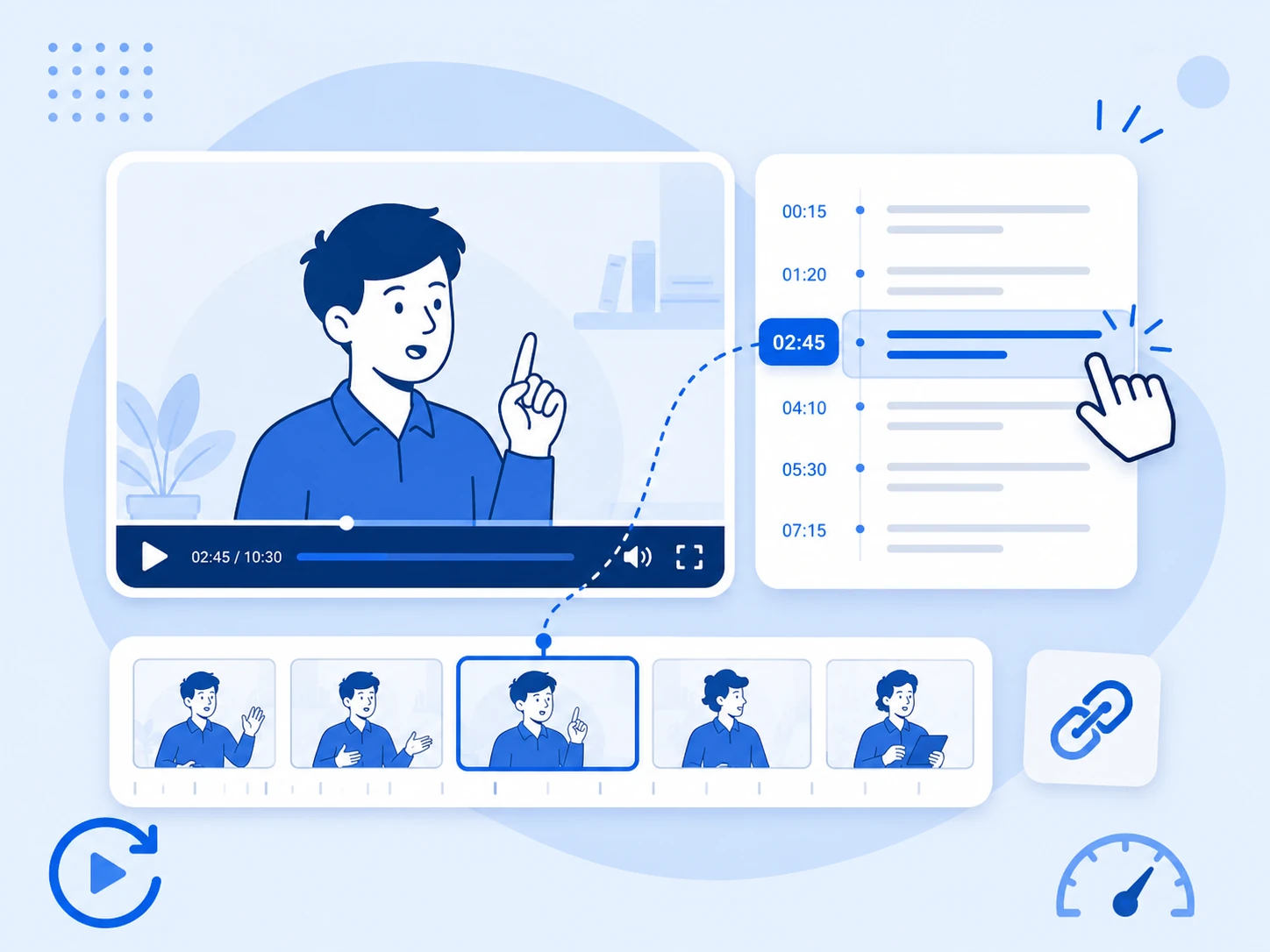
Watch Specific Video Segments by Clicking Timestamped Text
On our video to text page, you can click on the timestamp or text, and instantly jumps to the video segment without any lag. Text misses the speaker's tone, pauses, and facial expressions. Jump back to the clip and you gain a better understanding of the video content. Also, you can correct expressions, refine terms, or format text to make your texts flawless.
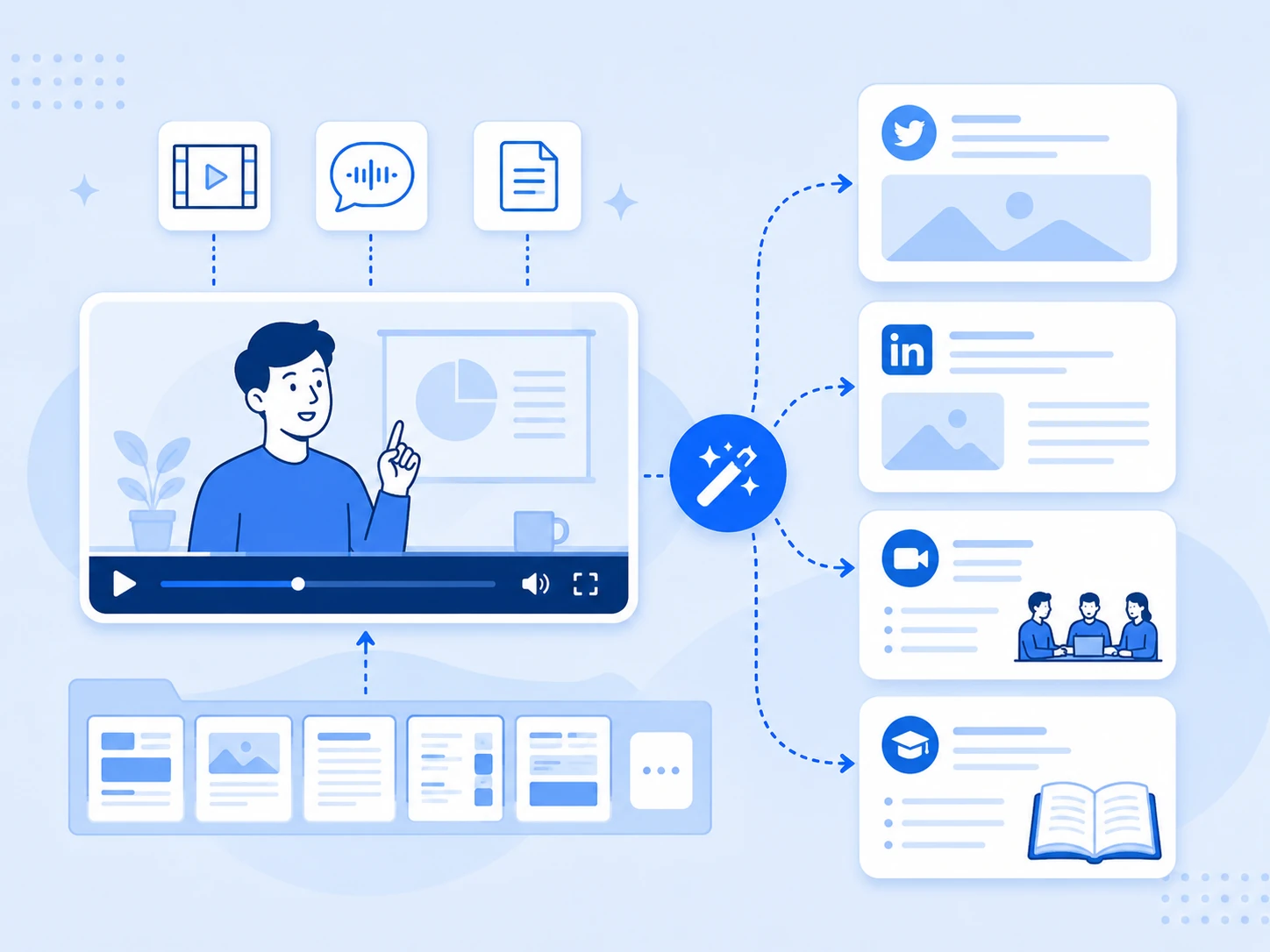
Convert Video to Text With Rich Summary Template Resources
For different purposes, you can choose from template library tailored to your video's theme, such as "Video to Twitter" or "Video to LinkedIn Post" for social media, "Meeting Minutes Summaries" for video conferences, or "Study Guides" for educational videos.
All-in-One Transcription Tool for Any File or Platform
Whether you want to pull recordings directly from cloud drives like Google Drive and Dropbox, grab virtual meetings from Zoom, Google Meet, and Microsoft Teams, or simply drag and drop your local files in almost any format, our converter gives you highly accurate and interactive text in just a few clicks.
Advanced Speech Recognition for Background Noise and Global Accents
Not all videos are recorded in quiet studios or feature clear and standard pronunciation. Powered by state-of-the-art speech recognition technology, our video to text converter is built to filter out noise and focus on the speaker. It also adapts to diverse global accents, regional dialects, and fast-paced speech.
Why is Our Video to Text Converter So Prominent?
This tool shows many details for video transcription that actually change your workflow.
Our Video to Text Converter
Easy to use — open and start transcribing
Support for long videos with unlimited uploads
Start streaming the text while the file is still processing
Pick from 50+ summary templates built for different workflows
Export in multiple formats with no costs
Summarize, rewrite, or brainstorm without leaving the page
Other Converters
Force a registration before you see a single word
Long files are paid features
Make you wait in a line behind their paying users
Offer a single summary template for every video
Lock exports behind a paid tier
Send you to another app the second you want to do something with it
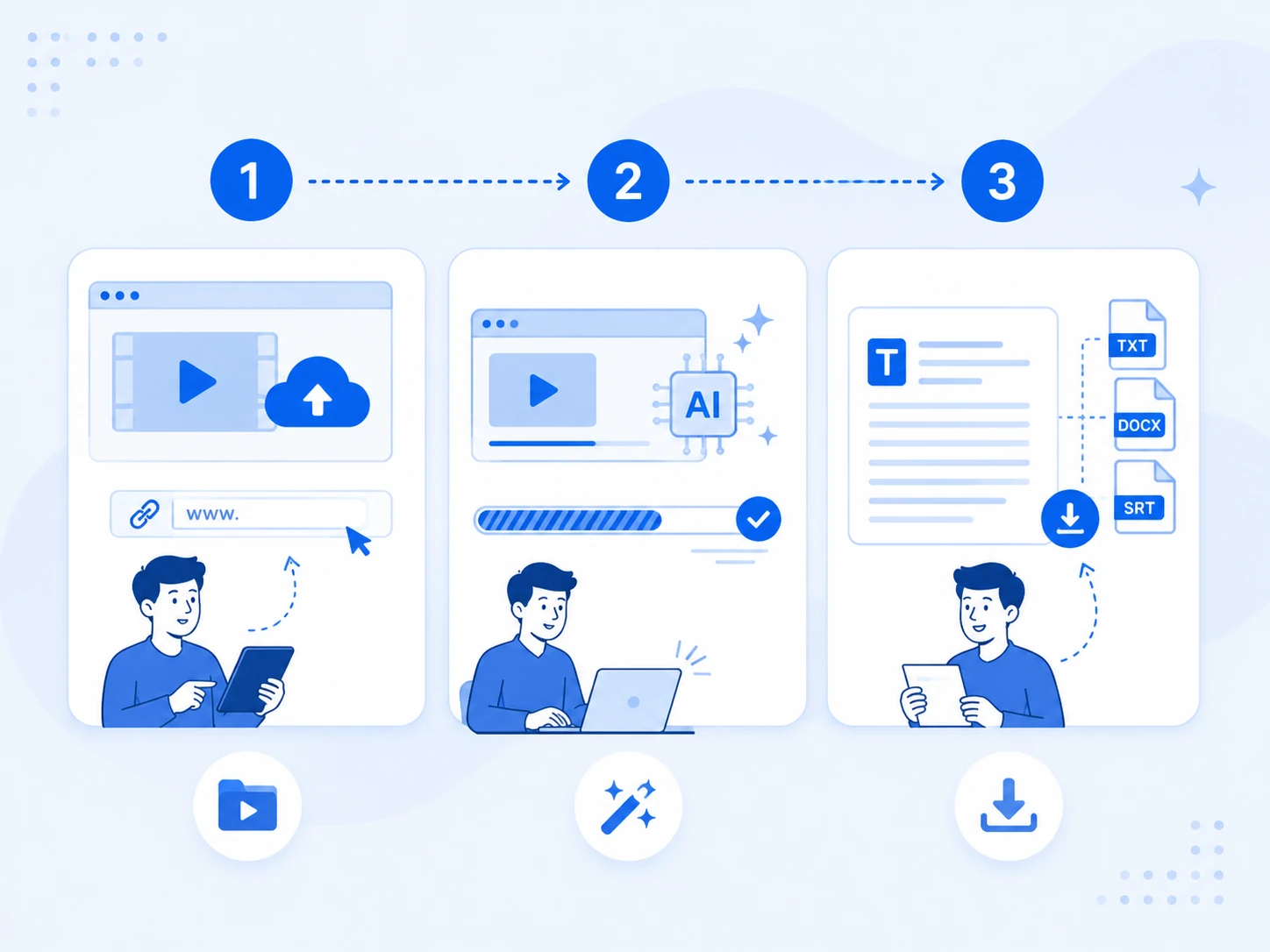
3 Super Simple Steps to Transcribe Video to Text
Upload A Target Video File or Link
Add the video formats you want to process. Online video links, such as those from YouTube, are also supported.
Click Button and Transcribe Video
Our advanced AI engine returns a full transcript in seconds, even on longer files, so you wait less and start editing sooner.
Export and Download Transcripts
Read the transcript and export the result in your preferred document or subtitle format.
Testimonials
What do People Say About Our Video to Text Converter?
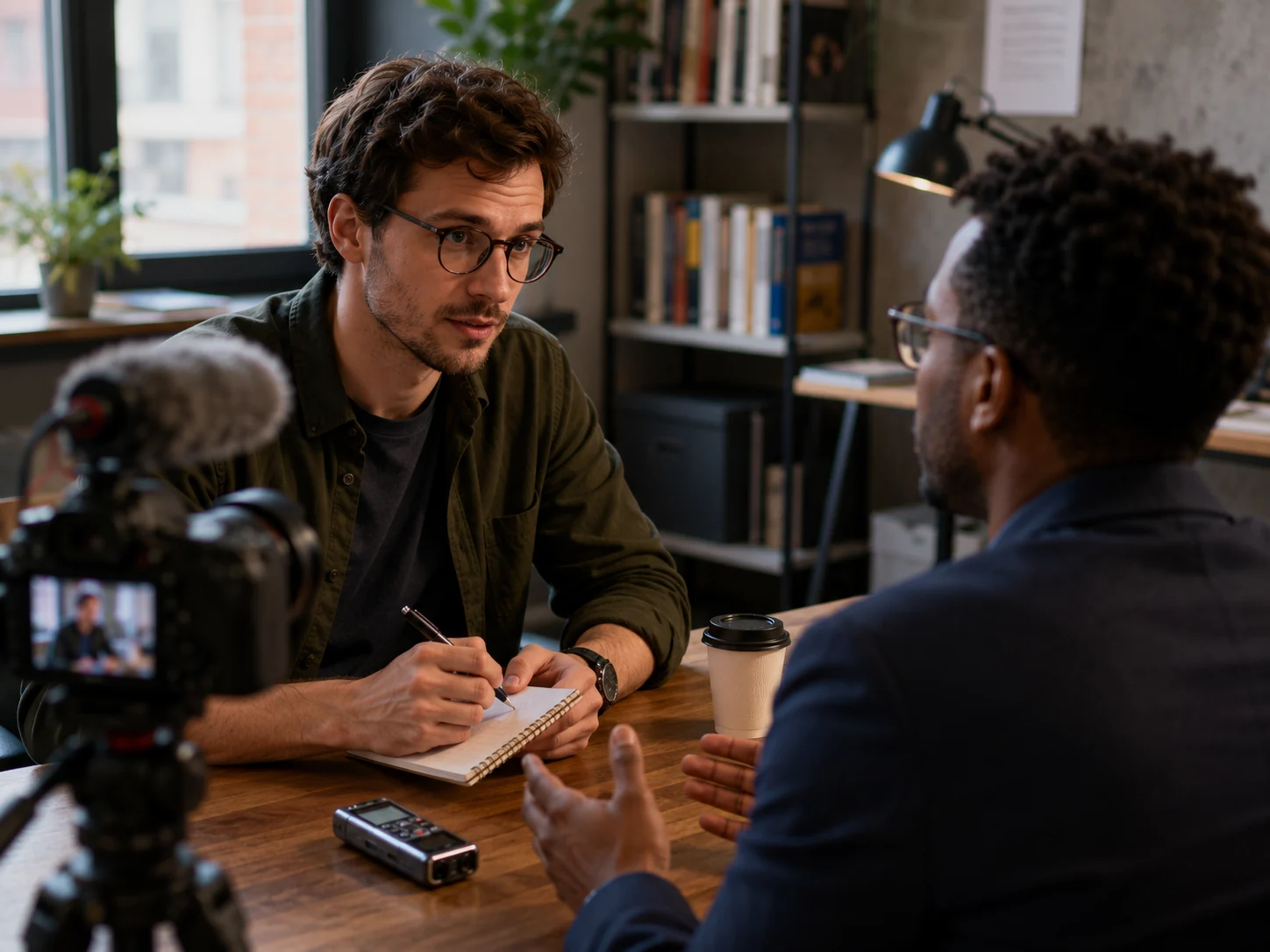
"After interviews, press conferences, or field reporting, I use the tool to turn my recordings into accurate transcripts. Video to text converter saves me from spending hours listening back and typing everything manually. I can quickly search for important quotes, identify key points, and review the full context of each response."
Benjamin Clark
Journalist
"I use this video to text converter to get more value from every video I publish. Once the transcript is ready, I can turn the content into blog posts, community updates, captions, newsletters, and social media copy without starting from scratch."

Chloe Brown
YouTube Creator
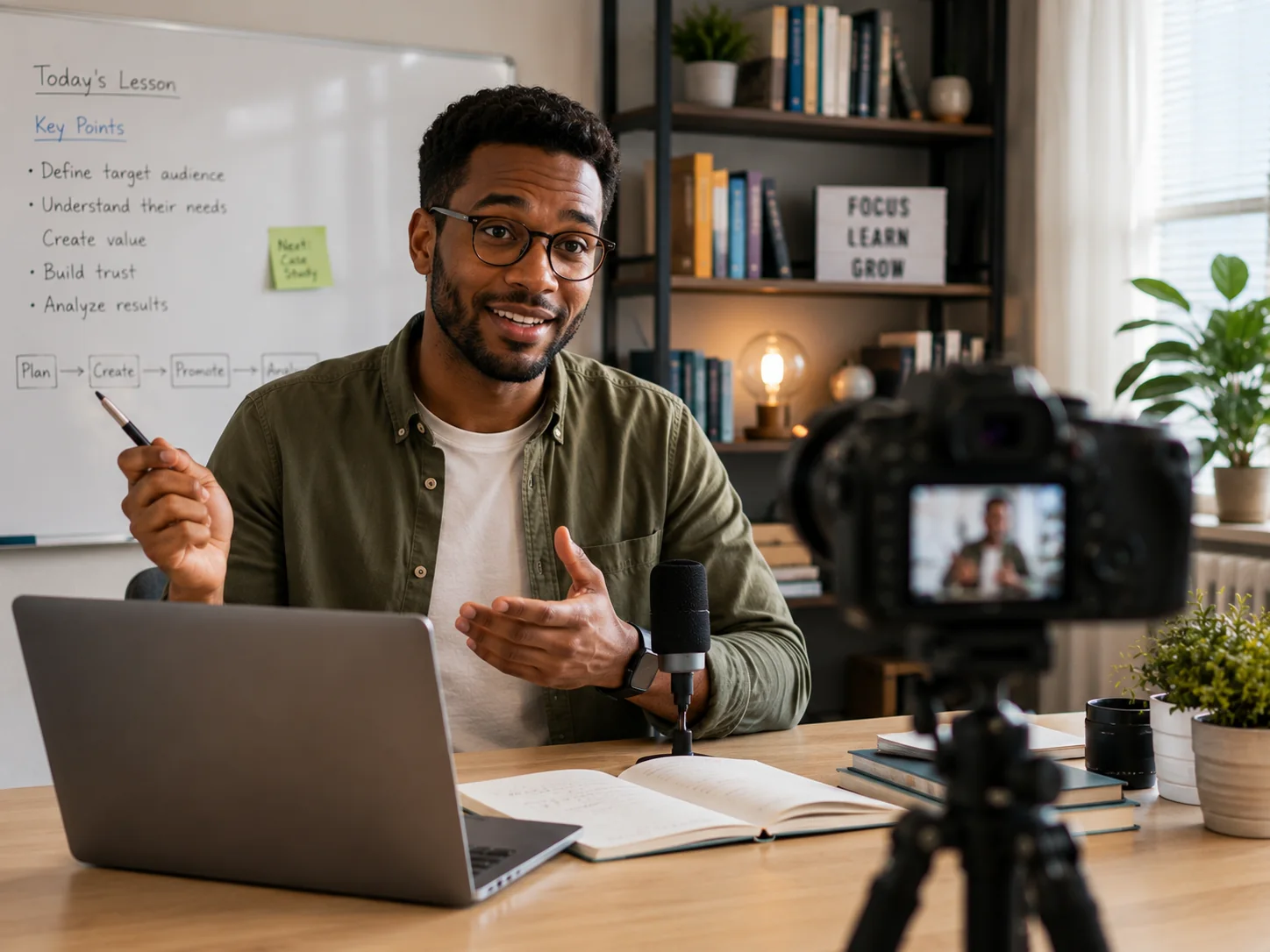
"From each transcript, I can create chapter summaries, lesson notes, mind maps, key takeaways, and revision materials. Students can review difficult sections without watching the entire video again, while I can provide more complete learning resources and make each lesson easier to understand."
Noah Wilson
Online Course Tutor
"Before finals, I upload my lecture and seminar recordings and let the video to text converter handle the typing. Instead of rewatching two-hour lectures, I ask the AI chat to pull out the key points and jump straight to the sections I'm shaky on."

Liam Carter
University Student
"After every client call, I drop the recording into the video to text converter and get a transcript I can actually search. When the team needs to confirm what a prospect agreed to, I share the link and we click straight to that line."

Sarah Lin
Sales Manager
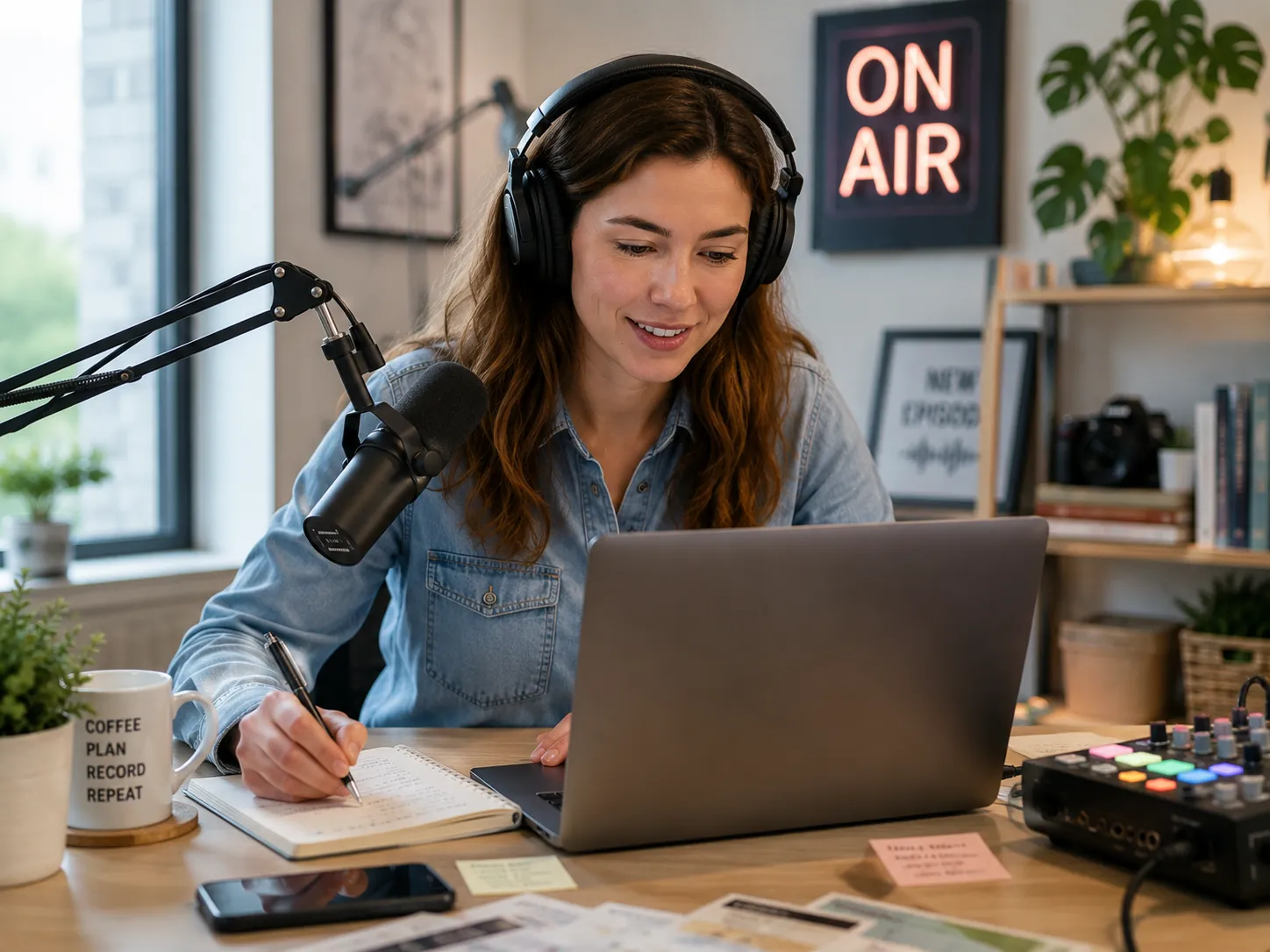
"Every recording goes through the tool first. From there I turn the video to text into show notes, episode summaries, and quotes for social in minutes. It saves me hours of manual labeling and lets me ship promo content the same day we record."
Ava Mitchell
Podcast Host
Frequently Asked Questions
Free Video to Text Converter — Ready in Seconds
Forget all barriers, you can transcribe a video to text for free right now.
Start Video TranscriptoinNo Sign-up
No Daily Cap
Accurate & Fast