Transcribe Video to Text Online with Video Transcription AI - No Limits
Just upload a video, paste a link, or transcribe video to text in seconds with Video Transcription AI. No sign-up.
Paste a YouTube, TikTok, Instagram, video, or audio link.
What Is Video Transcription AI?
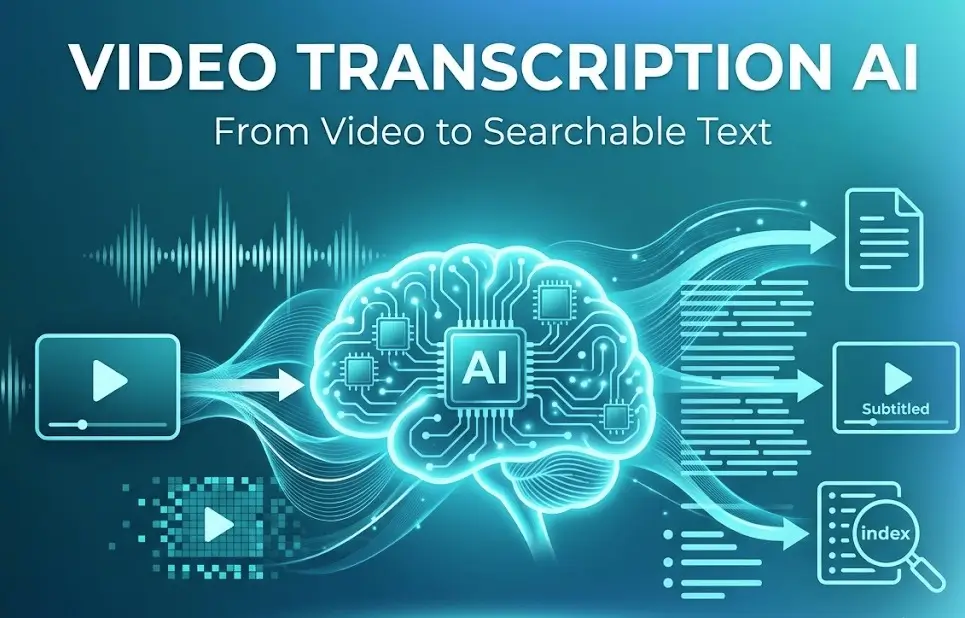
Video Transcription AI is a renowned brand offering AI-powered tools that convert videos into easy-to-understand written text. There is no need for manual transcription; simply upload a video file or paste a link to automatically generate a transcript. You can use the tool to create subtitles, meeting minutes, lecture records, interview transcripts, podcast scripts, video summaries, and blog drafts, instantly transforming video content into searchable text. It is an ideal solution for individual creators looking to boost productivity and save time.
Who is Video Transcription AI best suited for?
If your workflow involves the following four categories, then Video Transcription AI is the best video to text converter for boosting your efficiency.
Content Creators
Turn videos, podcasts, tutorials, and interviews into transcripts, captions, blog posts, newsletters, and social media content.
Educators and Students
Transcribe lectures, online courses, webinars, and training videos into searchable study notes.
Researchers
Extract quotes, analyze interviews, review recordings, and organize video-based research faster.
Marketers
Repurpose webinars, product videos, and customer stories into SEO content, email campaigns, and short-form posts.
How to Get Transcript of Any Video with free Video Transcription AI?
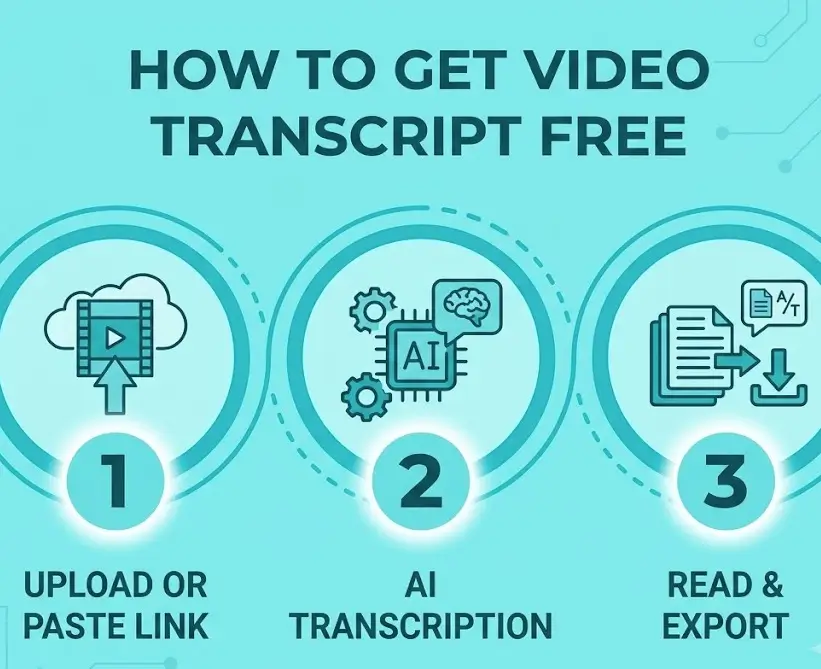
Upload Video or Paste a Link
Upload your video file or paste a public URL to Video Transcription AI.
Let AI Transcribe Video to Text
The video transcript generator converts speech into editable text automatically.
Read and Export to Use
Read transcript and copy the text or download the file in your preferred format.
Why Choose Free Video Transcription AI Service for Your Workflow?
Over 2 million users trust our video to text tool and are using this video transcript generator to obtain the transcript of any video.
Instantly Convert Video to Text with Video Transcription AI
Transform 30 minutes of video content into readable text in seconds. The video to transcript converter automatically recognizes speech and generates a clearly structured verbatim transcript. You can review and edit the content for accuracy, then simply copy or download the final text.
Convert Video to Text Online >>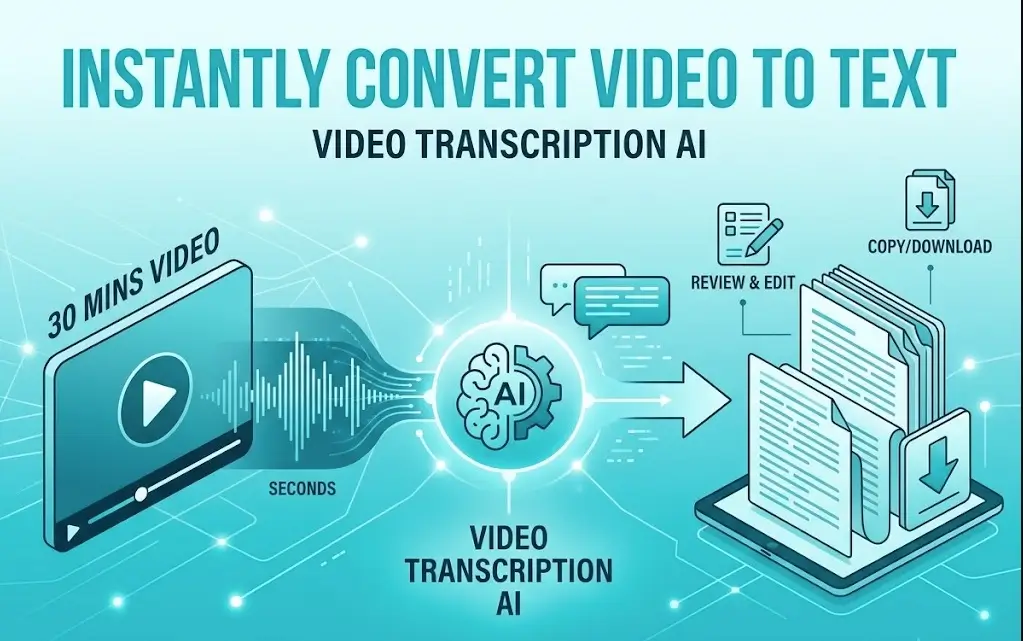
Video Transcriber AI Identifies Multiple Speakers And Adds Timestamps
Videos often feature multiple speakers; Video Transcription AI identifies speaker labels and timestamps, making long conversations easier to follow. You can also click on a speaker's text to instantly jump to that specific moment in the video.
Create A Transcript from A Video >>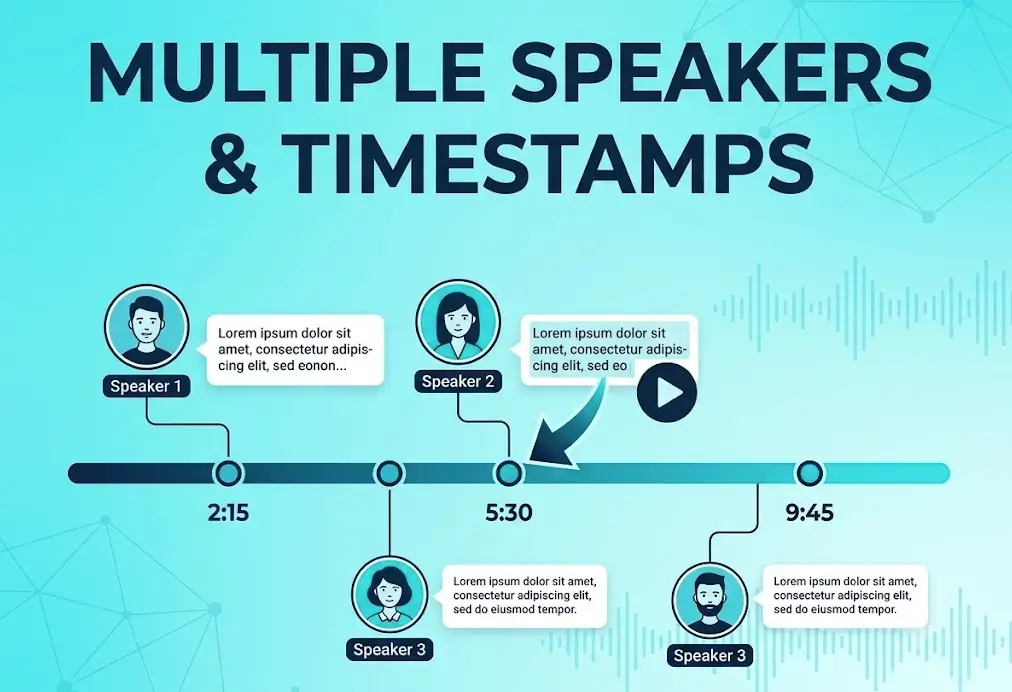
Summarize Long Videos with One Click Using Video Transcript Generator
If the transcript is too long to grasp the main points quickly, use Video Transcription AI to condense the video into a brief summary, key takeaways, chapter breakdowns, or an outline with a single click. Quickly understand the core content without re-watching the entire video.
Experience Video Transcription Services >>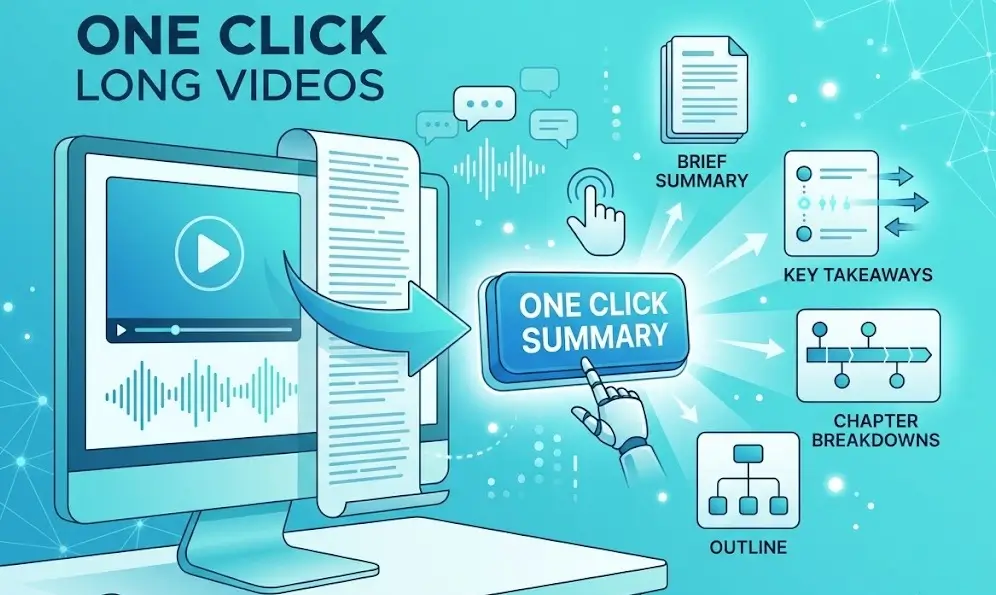
Translate Video Transcripts Free Online with One Click
If you want to learn from excellent content from around the world in other languages, Video Transcription AI allows you to translate transcripts into a language you are familiar with at the click of a button. It is also an excellent tool for localizing your own videos to reach a wider international audience.
Generate Transcript from Video >>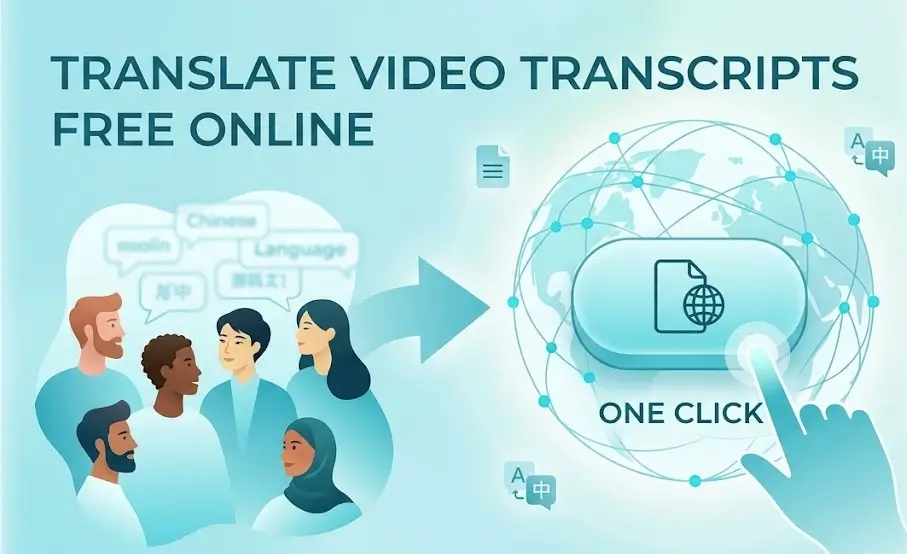
Export Transcripts In Multiple Formats For Easy Use
Our Video Transcription AI allows you to export transcripts in a variety of formats—such as TXT, DOCX, PDF, SRT, VTT, or Markdown—making it easy to integrate them into your workflow.
Try Video to Transcript Free >>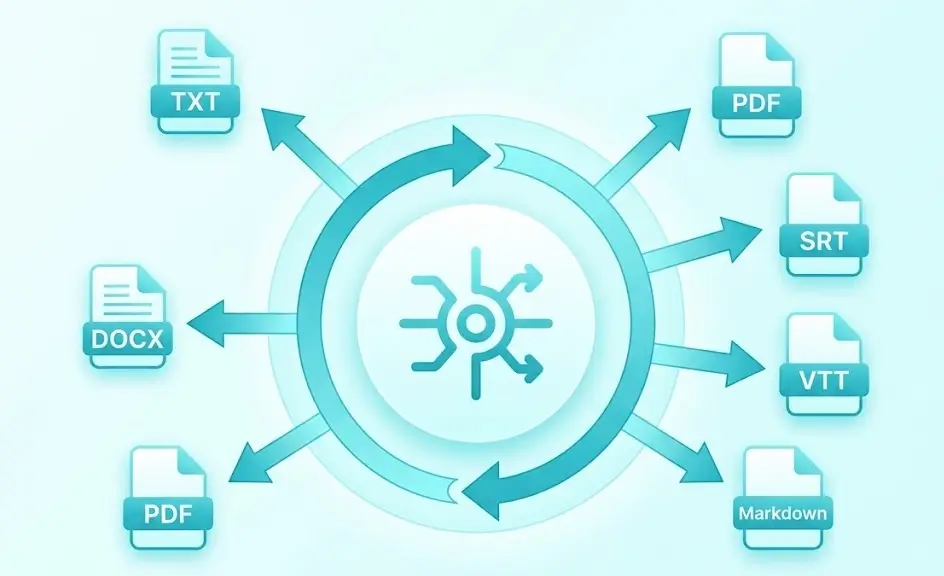
Hear from Video Transcription AI Users
I frequently use this video to text tool to transcribe lengthy lecture videos. The timestamps allow me to easily jump back to key segments, and the transcription accuracy is incredibly high.

Honestly, this AI transcription tool saves me hours every week. I simply upload a video file, and I can generate both the corresponding subtitles and a draft blog post simultaneously.

Instead of taking manual notes, I just upload the recorded meeting file; I get a neatly organized transcript of a two-hour meeting in just a few minutes.

I often need to convert large volumes of video to text, a massive undertaking. Since discovering this Video Transcription AI, I can process a video in seconds, boosting my efficiency tenfold.

My research often involves analyzing webinar content. Being able to search the transcript directly, without having to replay hours of video, has significantly improved my productivity.

After uploading my course recordings, I instantly get a timestamped transcript. Students can quickly locate content on specific topics without having to re-watch the entire lesson.

Video Transcription AI FAQs
Check the quick answers below to find the information you need. If you still have questions, please contact us via our official email.
Transcribe Your Video to Text Online for Free with AI Now
Upload a video or paste a link to generate an accurate transcript.
Start Video Transcription Free