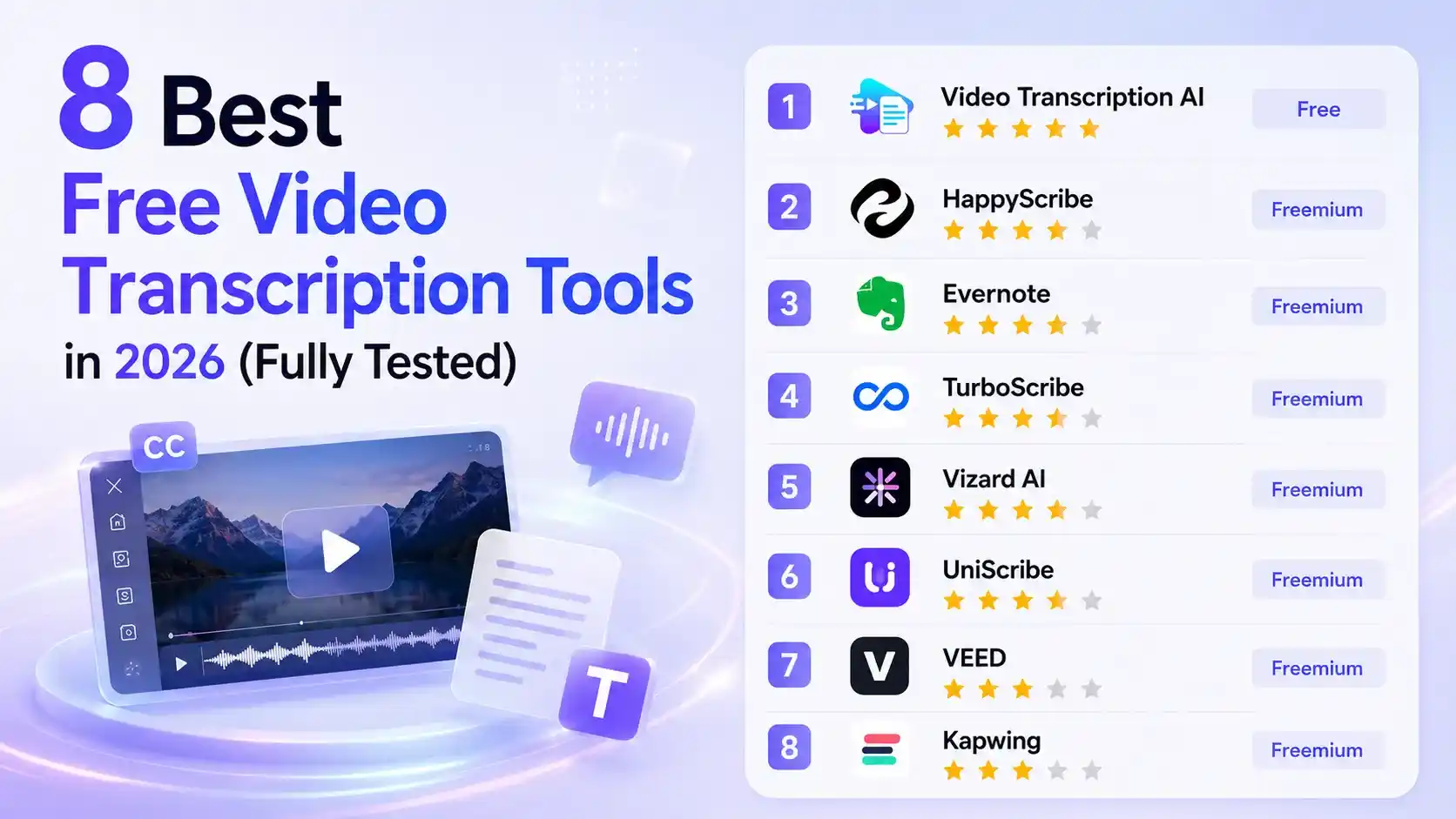
8 Best Free Video Transcription Tools in 2026 (Fully Tested)
Video recording itself is usually not the difficult part. The real time-consuming work comes afterward. Turning a 45-minute interview into useful quotes, social media content, or meeting notes often requires repeatedly listening back, finding key moments, and editing the content.
That's why more users are turning to video transcription tools. These tools can quickly convert spoken content from videos into editable text, making it easier to search, organize, rewrite, and reuse the information.
With so many options available, choosing a video transcription tool that actually fits your needs matters. To make this list more useful, we tested and reviewed each tool's current workflow, comparing factors such as free allowances, transcription and editing features, export options, and pricing. Our goal is to provide a practical and unbiased overview to help you find the right tool.
Try Video Transcription for Free
Why Are More People Relying on Video Transcription Tools?
Video has become the default format for meetings, online courses, interviews, podcasts, product demos, and social media. Unfortunately, video is not particularly easy to scan.
If the answer you need appears 38 minutes into a webinar, you either scrub through the timeline and hope for the best, or search the transcript and find it in seconds.
That simple difference opens up several useful workflows:
- Content creators can repurpose interviews, podcasts, and videos into blog posts, newsletters, captions, and social media content.
- Students and researchers can turn lectures and interviews into searchable notes, making it easier to find key information and quotes.
- Teams can quickly create meeting records and summaries without manually taking notes.
- Video editors and marketers can generate subtitles and optimize video content for better accessibility and reach.
- Global teams can translate spoken content into different languages for easier communication and content distribution.
A transcript turns a video from something you must watch into something you can work with.
What Makes a Good Video Transcription Tool?
Not every transcription tool deserves a permanent browser bookmark. Here is what matters in day-to-day use.
A Free Plan That Is Actually Useful
"Start for free" does not always mean "use for free." Check the number of minutes, maximum file duration, daily limits, export restrictions, and whether a credit card is required.
Clean, Editable Transcripts
Even strong speech recognition makes mistakes with names, industry terminology, and overlapping voices. An editor that keeps the transcript connected to the video saves a great deal of correction time.
Speaker Labels and Timestamps
A wall of text is not much help when three people are talking. Speaker detection and clickable timestamps make interviews, podcasts, and meetings far easier to review.
Practical Export Formats
TXT and DOCX work well for articles and notes. SRT and VTT are essential for subtitles. PDF, CSV, and Markdown can be useful for research and publishing workflows.
More Than Raw Speech-to-Text
Summaries, translation, transcript search, subtitle generation, and transcript-based video editing can save more time than transcription itself.
Quick Comparison of 8 Video Transcription Tools
| Tool | No Login | Free Usage | Best For | Key Features | Price |
|---|---|---|---|---|---|
| Video Transcription AI | ✅ No Login | Unlimited free | Quick and easy transcription | • Video & audio transcription • AI summaries & outlines • Subtitles generation | Free |
| HappyScribe | ❌ Login Required | 10 mins | Multilingual transcription | • Multi-language support • speaker identification • subtitle editing | Freemium |
| Evernote | ❌ Login Required | Limited trial | Organizing transcripts into notes | • Save transcripts as notes • AI rewriting and summaries • search and organization tools | Freemium |
| TurboScribe | ❌ Login Required | 3 files/day | Fast everyday transcription | • Fast AI transcription • ChatGPT integration • Google Translate integration | Freemium |
| Vizard AI | ❌ Login Required | 60 credits/month | Turning videos into short clips | • AI clip generation • transcript-based editing • subtitle customization | Freemium |
| UniScribe | ❌ Login Required | 120 mins/month | AI transcription workflow | • AI summaries and mind maps • transcript editing • timestamped playback | Freemium |
| VEED | ❌ Login Required | Limited access | Video editing and subtitles | • Auto captions • transcript editing • video editor integration | Freemium |
| Kapwing | ❌ Login Required | 10 mins/month | Social media content creation | • Subtitle generation • filler-word removal • AI video editing | Freemium |
Top 8 Free Video Transcription Tools
1. Video Transcription AI - Best for Free, No Sign-Up Video Transcription
Video Transcription AI is one of the easiest tools to get started with in this roundup. There is no sign-up required, so you can upload your video and start transcribing right away. It supports both local video uploads and social media links from platforms like YouTube and TikTok, generating editable transcripts, subtitles, outlines, and AI summaries in just a few clicks. If you are looking for a lightweight tool without the hassle of creating an account, Video Transcription AI is a great choice.
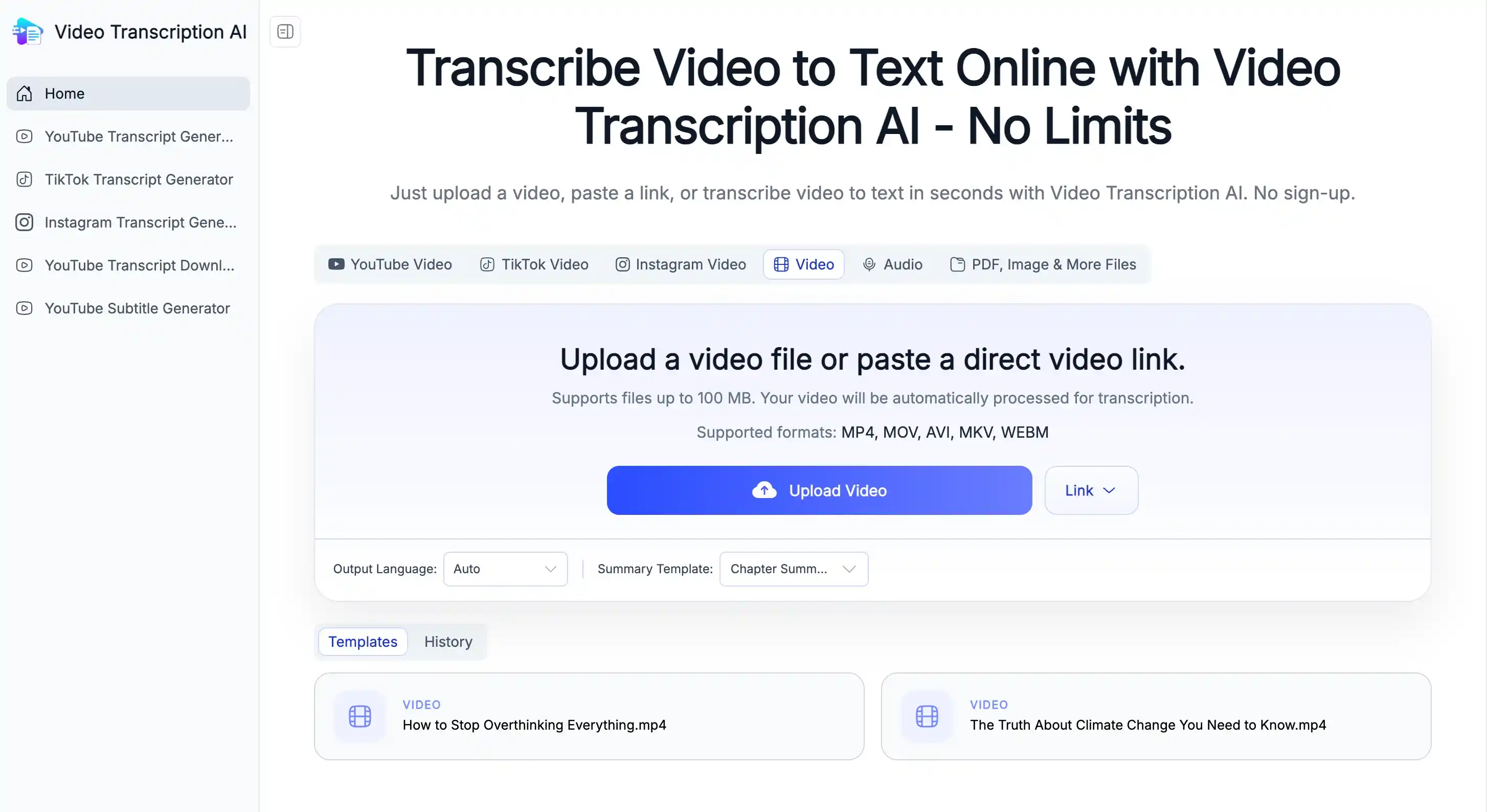
Key Features
- 100% free and no sign-up required
- Supports local videos, audio files, and social media links
- Translate content into 120+ languages
- Generate transcripts, subtitles, outlines, and AI summaries
- Export timestamped files in TXT, PDF, SRT, and more
Pros
- 100% free with no sign-up required
- Fast and easy to use, even for first-time users
- 30+ AI summary templates for different use cases
- Mind Map helps simplify complex video content
- AI Chat for interactive video analysis
Cons
- Fewer features compared with larger established platforms
- Transcription accuracy depends on the quality of the audio
Price
100% free to use.
2. HappyScribe - Best for Multilingual Transcription with Broad Language Support
HappyScribe provides professional multilingual transcription with support for different languages, regions, and accents. It can identify multiple speakers and comes with a powerful built-in editor for refining transcripts. Its biggest advantage is flexibility, allowing users to customize export settings based on their needs, including file formats, timestamps, speaker labels, and highlights. This makes it a great fit for different scenarios such as meetings, interviews, and content creation.
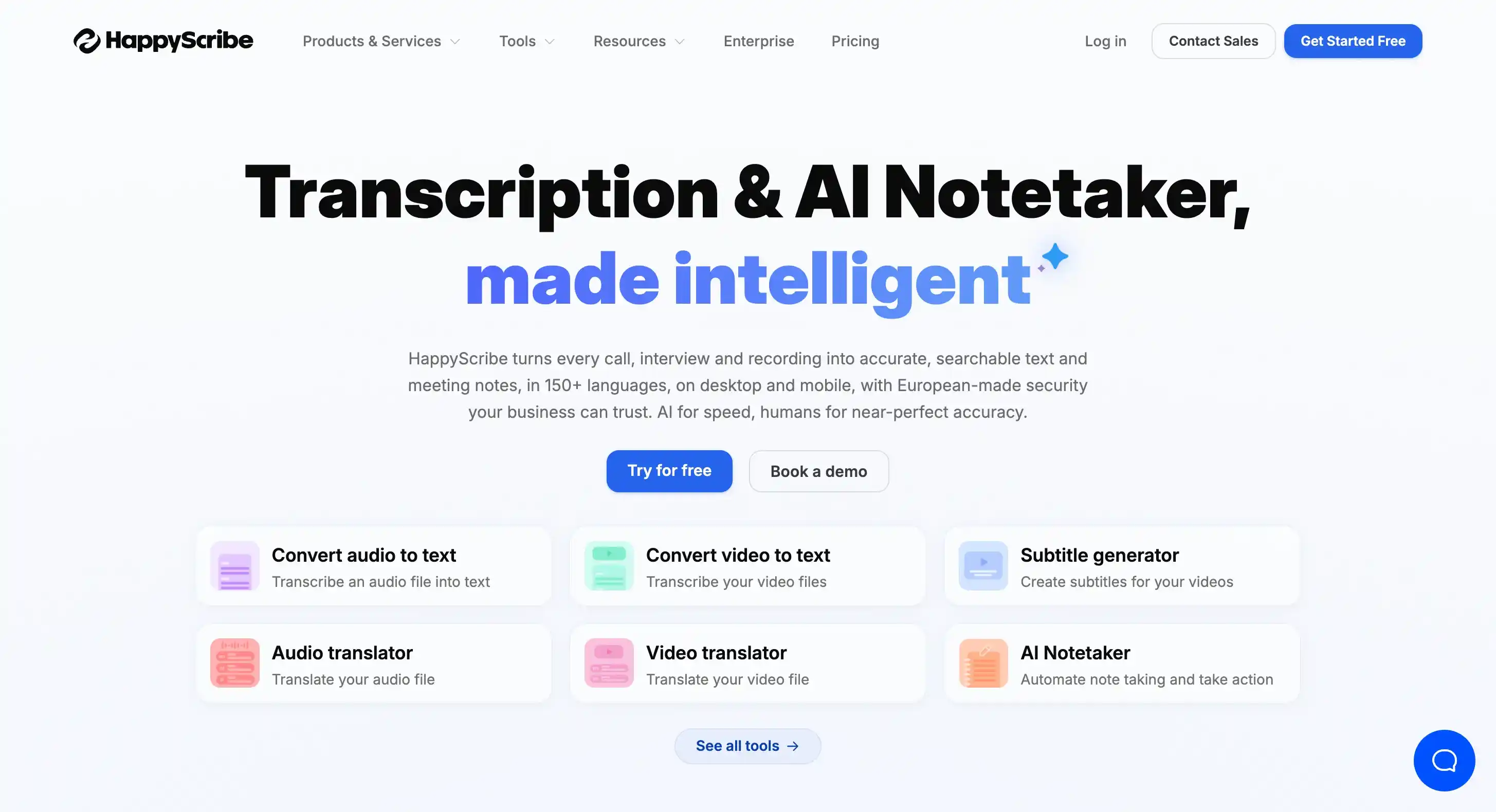
Key Features
- Supports transcription in hundreds of languages with different accents and regions
- Speaker identification for multi-person conversations
- Built-in editor for reviewing and refining transcripts
- Customizable exports with timestamps, speaker labels, and highlights
- AI tools for creating summaries, meeting notes, quotes, and other content formats
Pros
- Excellent multilingual support for users working with global content
- Flexible export options for different use cases
- Useful AI features beyond basic transcription, including summaries and meeting notes
- Detailed editing tools make transcripts easier to review and refine
Cons
- Processing speed can be slower compared with some instant transcription tools
- Accuracy may vary for certain videos, especially Chinese-language content
- Even with paid plans, transcription length limits still apply depending on the plan
Price
- Free plan available
- Paid plans start at $8.50/month billed annually
3. Evernote - Best for Organizing Transcripts into Notes
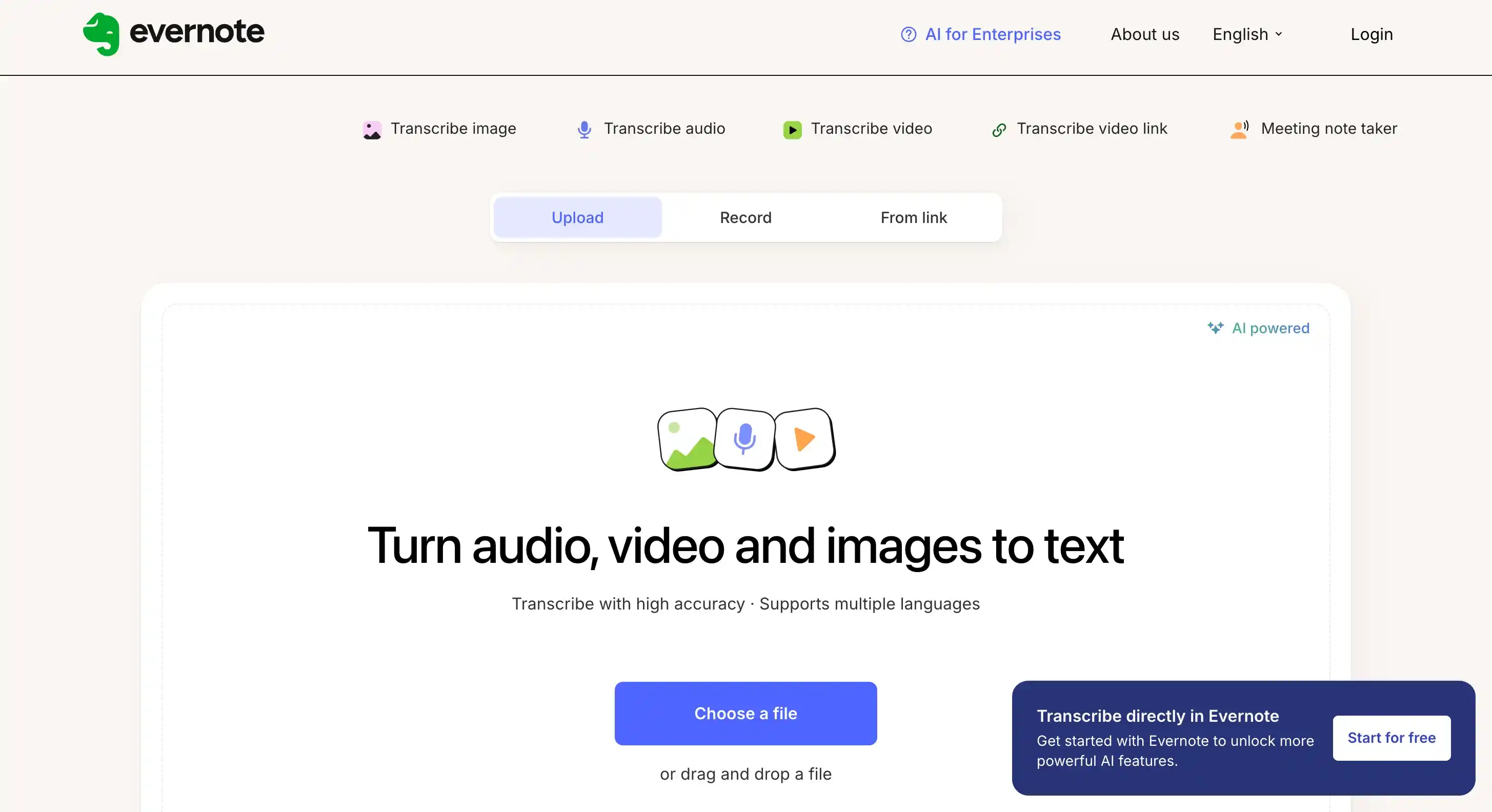
As a note-taking platform, Evernote goes beyond simple transcription by allowing you to save transcripts directly as Evernote notes. After generating a transcript, you can organize the content with tags, edit, search, manage, and share it with others. Evernote also includes AI tools that let you select any part of the transcript to summarize, change the tone, or improve the wording, making it easier to turn raw transcripts into more polished and readable content.
Key Features
- Save transcripts directly as Evernote notes for further organization
- Add tags, edit, search, and share transcripts inside Evernote
- AI tools for summarizing, rewriting, and adjusting the tone of selected text
- Supports video transcription with integrated note management features
- Helps organize transcripts, tasks, and research materials in one place
Pros
- Turns transcripts into organized Evernote notes
- AI tools help summarize, rewrite, and improve selected text
- Easy to edit, search, tag, and share transcript content
Cons
- Generated transcripts lack timestamps and appear as long blocks of text, which affects readability
- Free usage is limited, and continued use requires a paid plan
- Supports videos up to 1 hour only
Price
- Paid plans start at $8.25/month billed annually
- Higher-tier plans are available for teams and enterprises
4. TurboScribe - Best for Powerful AI Integrations and Transcript Editing
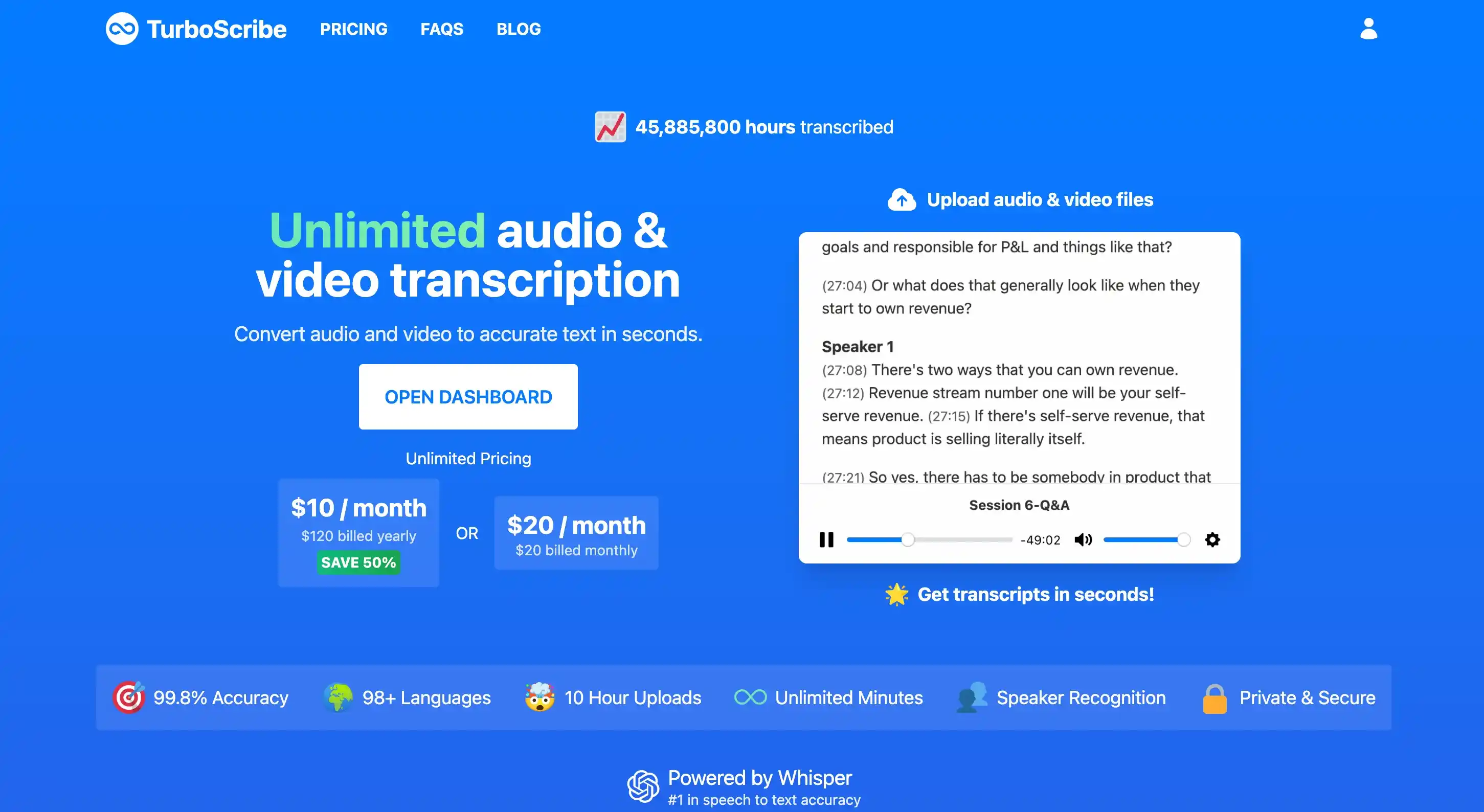
TurboScribe has a clean and straightforward interface, allowing users to upload files and generate transcripts without complicated settings. Beyond basic video transcription, it integrates with ChatGPT and Google Translate, helping users further edit, refine, and translate their transcripts after generation. It also supports multiple export formats, making it easier to save and use transcripts based on different needs.
Key Features
- Clean and simple interface for quick transcription
- Integrated with ChatGPT and Google Translate for transcript editing and translation
- Supports multiple export formats, including exporting several formats at once
- Allows users to refine and process transcripts after generation
Pros
- Easy to use with a straightforward transcription workflow
- Strong AI integrations make transcript editing and translation more convenient
- Flexible export options for different usage needs
Cons
- Free transcription usage is limited to only 3 times
- No video preview alongside transcripts during editing
Price
- Free plan available with 3 free transcripts per day
- Paid plans start at $10/month billed yearly
- Team plans are available for collaboration
5. Vizard AI - Best for Repurposing Long Videos into Short Clips
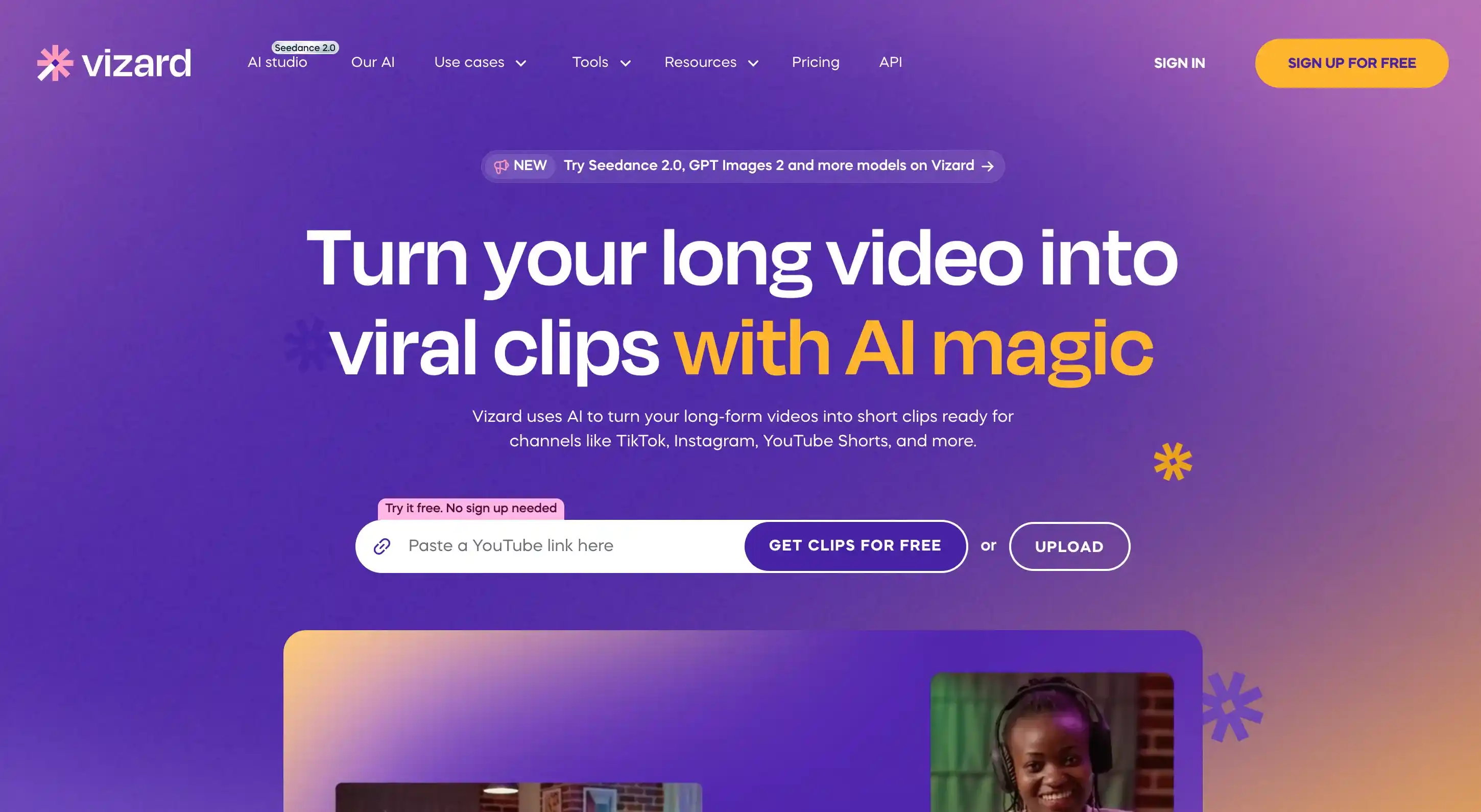
Vizard AI goes beyond video transcription by combining transcripts with video editing tools, helping users quickly find and turn the best moments from long videos into short clips. After transcription, users can search for keywords to jump directly to the relevant parts without manually scrubbing through the entire video. Vizard also offers subtitle styles, animations, and text highlight effects, making it easier to create engaging content for social media. Compared with simple transcription tools that only export text, Vizard is a better choice for content creators who want to repurpose long videos into more shareable content.
Key Features
- AI video transcription with searchable transcript
- Convert long videos into short clips with AI-powered clip generation
- Edit videos directly from transcripts by removing or highlighting text
- Customizable subtitles with templates, animations, and text effects
- Supports repurposing podcasts, interviews, webinars, and other long-form videos
Pros
- Transcript-based editing makes it easy to find and edit specific parts of a video
- AI clip creation helps automatically identify potential highlights from long videos
- Rich subtitle customization options make short videos more engaging for social media
- Combines transcription, editing, and content repurposing features in one workflow
Cons
- Free users have limited access to some features and editing tools
- Transcripts do not include timestamps
Price
- Free plan available with limited credits
- Paid plans start at $14.5/month billed yearly
6. UniScribe - Best for Free Transcription with Flexible Exports
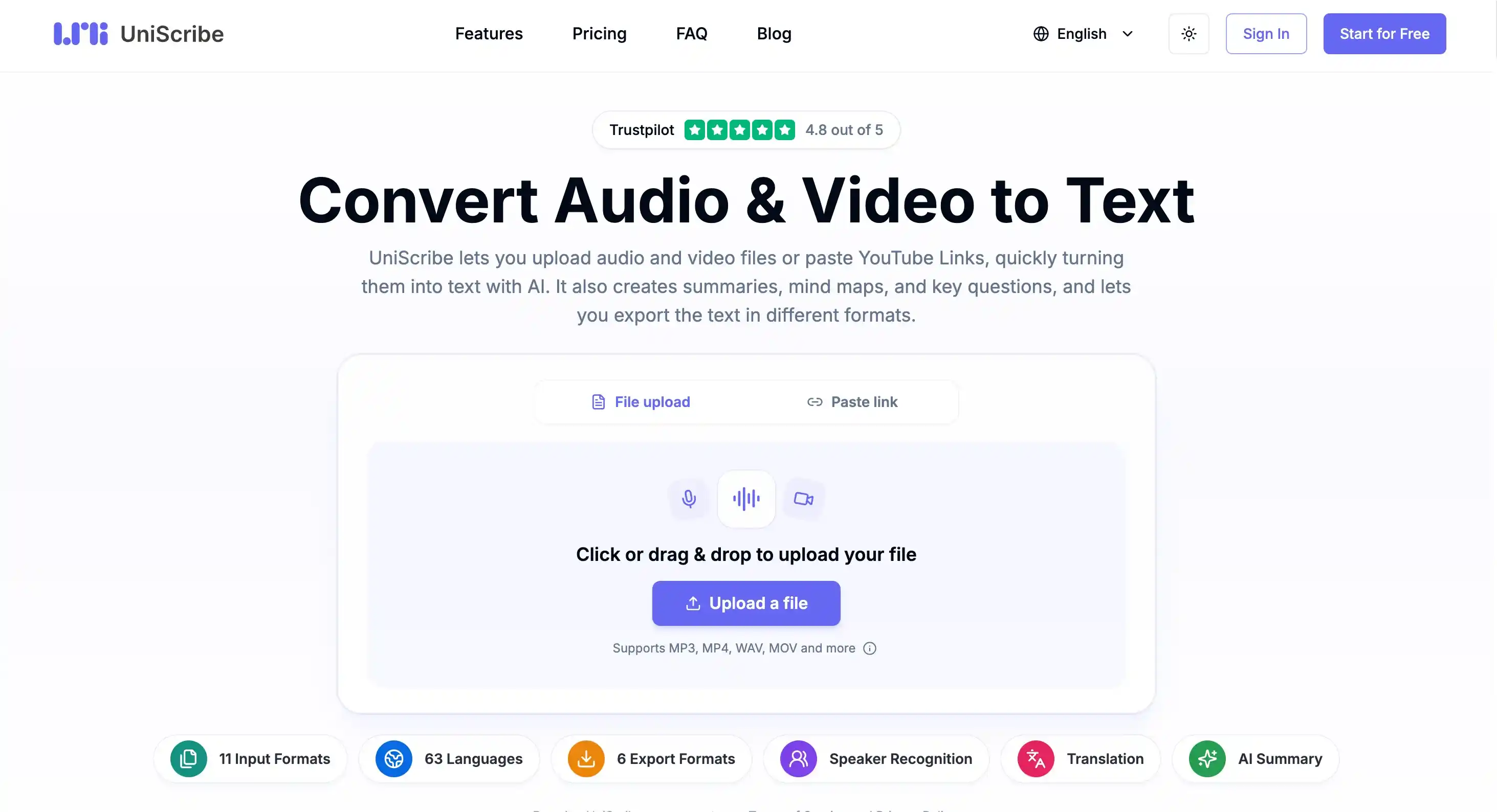
UniScribe is a solid choice for free users, offering 120 minutes of transcription every month. After the transcript is generated, you can quickly edit the text using the Find and Replace feature. It also supports exporting transcripts in multiple document and subtitle formats, with the option to show or hide speaker labels and timestamps depending on your needs.
Key Features
- 120 free transcription minutes per month
- AI-generated summaries, key points, and mind maps
- Find and Replace for quick transcript editing
- Synchronized transcript playback with timestamps
- Export transcripts in multiple document and subtitle formats
- Supports both audio and video transcription
Pros
- Built-in AI summaries, key points, and mind maps for faster review
- Synchronized transcript playback makes content verification easier
- Flexible export formats for documents and subtitles
Cons
- Limited features on the free plan
- Speaker identification requires a paid plan
- No support for batch transcription
Price
- Free plan available with 120 transcription minutes per month
- Subscription plans start at $6/month billed yearly
- One-time plans start at $12.9 for short-term transcription needs
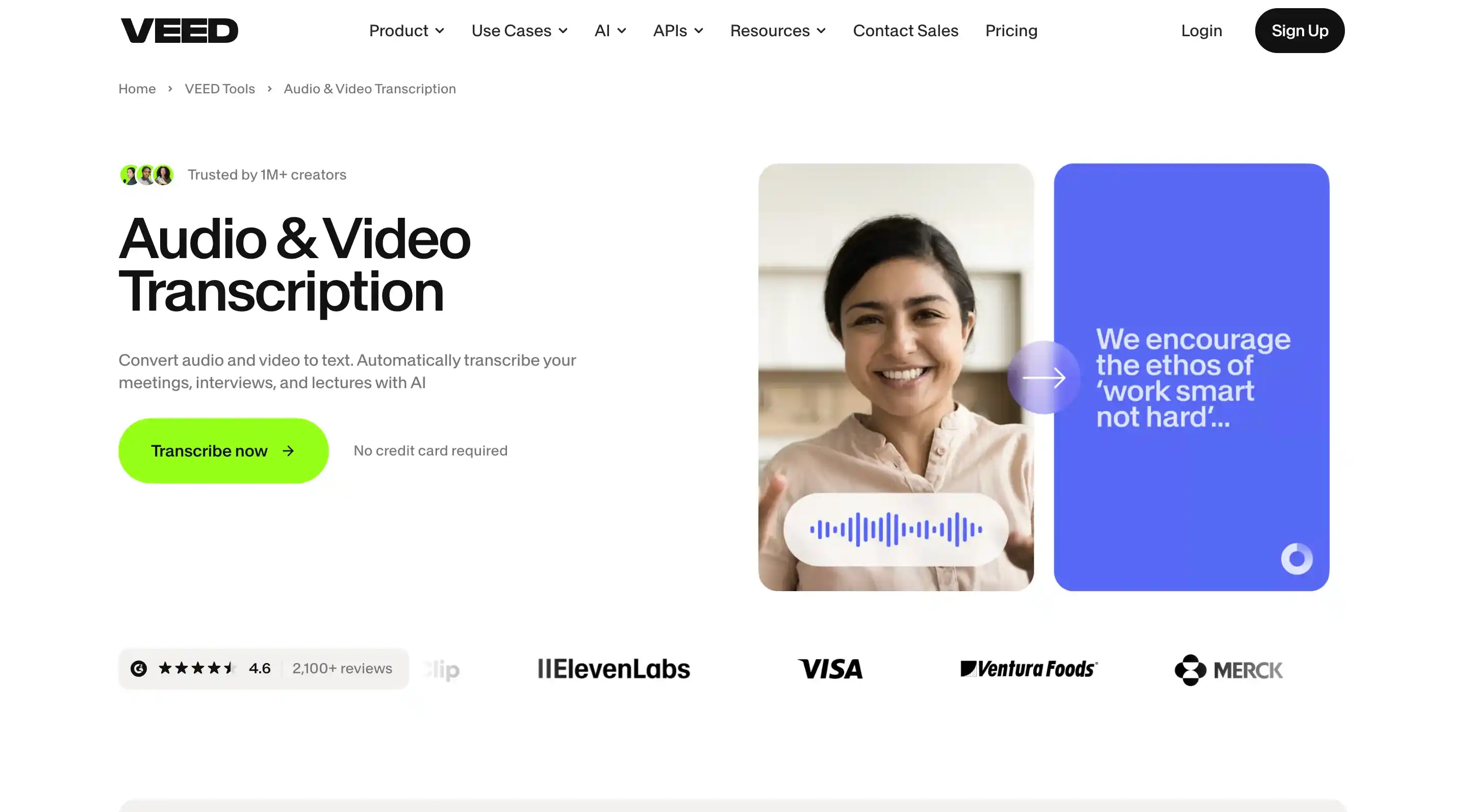
7. VEED - Best for Video Editing and Subtitles in One Workspace
VEED is primarily an online video editor, so its transcription features are designed to support the video creation process. After uploading a video, users can generate subtitles, edit transcripts, translate content, split subtitles, or add new ones, then continue editing the video in the same workspace without switching between different tools. It is a practical choice for creators who regularly make short videos, courses, or social media content, as it combines transcription and editing in one place.
Key Features
- Audio and video transcription with automatic subtitle generation
- Edit, translate, split, and add subtitles directly in the video editor
- Transcript-based video editing to remove video sections from text
- Customizable subtitle styles and caption designs
- Built-in video editing tools for content creation and refinement
Pros
- Combines transcription and video editing in one workspace
- Powerful subtitle customization options for social media content
- Allows users to edit videos directly from transcripts
Cons
- Free users have limited transcription access with only one free trial
- Processing time can be longer compared with other transcription tools
Price
- Free plan available with limited access to features
- Paid plans start at $12/user/month billed monthly
- Team and enterprise plans are available with custom pricing for advanced needs
8. Kapwing - Best for Transcript-Based Video Editing
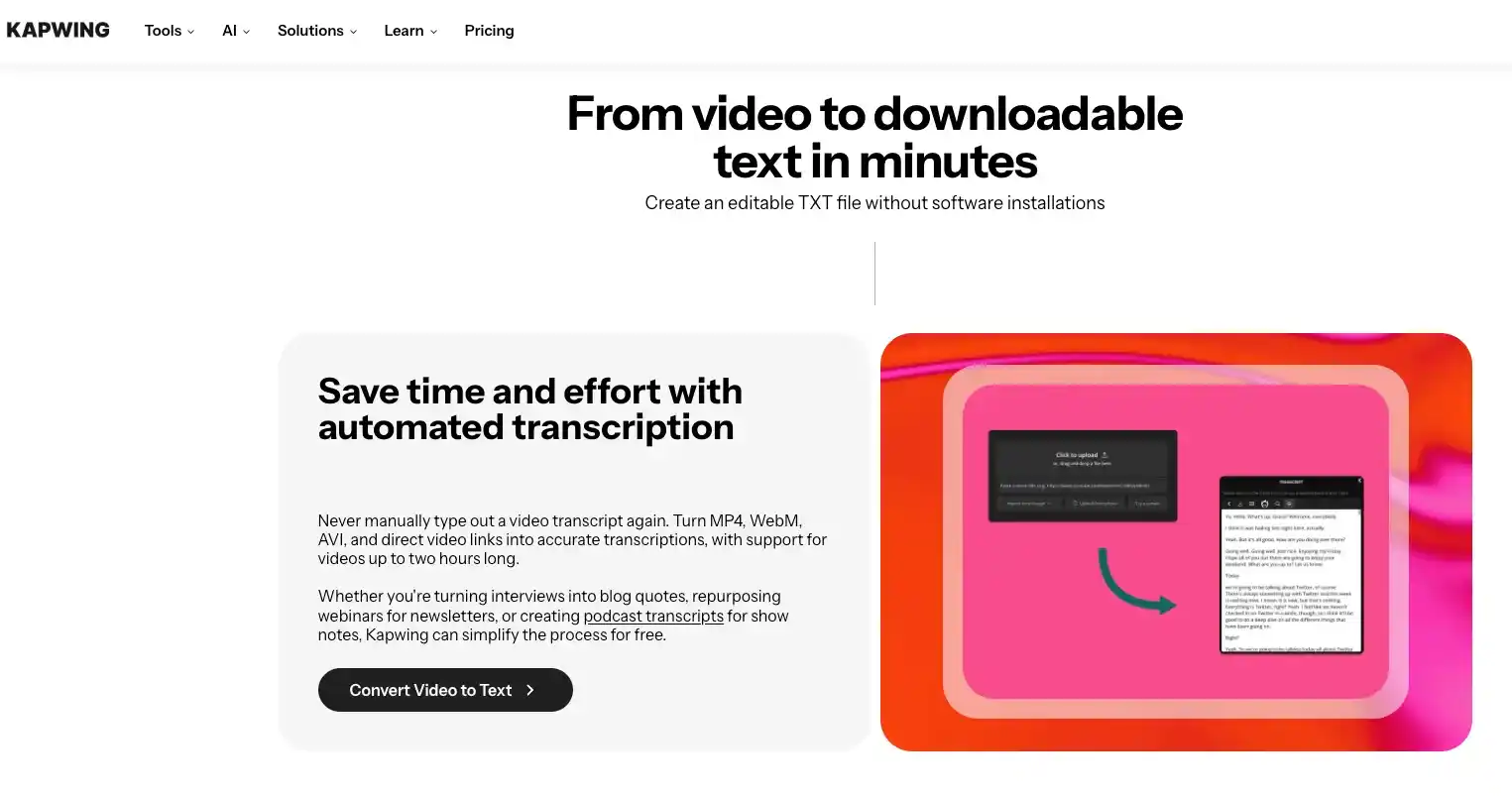
If you are looking to integrate transcription and creation into your content editing workflow, Kapwing is one of the best options, seamlessly blending into your existing processes.
Kapwing is a tool that bridges the gap between transcription services and creative workspaces. Simply upload your video file or paste a video link to generate a transcript in seconds, simultaneously removing filler words, creating subtitles with a single click, and finally using the subtitles in the final video.
If you choose not to subscribe, you will have limited monthly transcription time. Plain TXT transcript downloads remain watermark-free, but exported videos that use Kapwing subtitle workflows may include a Kapwing watermark on the free plan.
Key Features
- File upload and link-based video importing
- Automatic language detection
- Editable video transcripts
- Subtitle generation and filler-word removal
- AI-assisted video editing for social content workflows
Pros
- Strong fit for creators who want transcription and editing in one place
- Subtitle generation is fast and easy to use
- Helpful for turning transcripts into polished short-form content
Cons
- Login is required
- Free monthly transcription time is limited
- Some free exports may include Kapwing branding or workflow restrictions
Price
- Freemium pricing with limited free monthly transcription time
- Paid plans unlock longer usage and cleaner export workflows
Final Thoughts
Frankly, the best free video transcription tool is subjective; it depends on what you want to do with the generated transcript. If you want to quickly convert videos into editable text, Video Transcription AI is your best bet. It requires no account registration, supports link and local file uploads, and offers speaker tagging, summarizing, translation, and flexible export features, making transcription a breeze. If you need to choose the right transcription tool, you can decide based on your use case: TurboScribe is suitable for users who need a fixed daily quota and may use unlimited transcription in the long term; UniScribe is suitable for users who want a clear monthly quota and multiple export formats; HappyScribe is more suitable for multilingual professional scenarios, especially workflows that require manual proofreading; Evernote is suitable for integrating transcribed content into research, knowledge management, or note-taking systems; while Vizard, VEED, and Kapwing are more suitable for using transcription as part of video editing, captioning, or content re-creation processes. A sensible way to choose is to test the same short recording in two or three tools. Include a proper name, more than one speaker, and a little background noise. The winner is not the tool with the boldest accuracy claim. It is the one that leaves you with the least cleanup work.
FAQs About Video Transcription Tool
What is the best free video transcription tool?
Video Transcription AI is a strong overall option because it requires no sign-up and combines transcription with speaker recognition, summaries, translation, and multiple export formats. TurboScribe and UniScribe are better choices for recurring free usage.
Can I transcribe a video to text for free without signing up?
Yes. The Video Transcription AI tool can be used without logging in and supports uploading videos. The maximum size for a single uploaded file is 1GB.
Can free video transcription tools generate subtitles?
Most video transcription tools can currently generate SRT or VTT subtitle files, including Video Transcription AI, HappyScribe, TurboScribe, UniScribe, Vizard, VEED, and Kapwing. Export limitations may exist.
Are free AI video transcripts completely accurate?
First, we must be clear that transcription tools cannot be 100% accurate. Factors such as speech clarity, microphone quality, background noise, and whether speakers take turns speaking all affect transcription accuracy.
Which free transcription tool is best for long videos?
TurboScribe allows three files to be uploaded per day, with each file lasting no more than 30 minutes; Vizard offers a maximum of 60 upload slots per month; UniScribe offers 120 minutes of upload time per month, but their free upload time is limited to 30 minutes. Therefore, I recommend using Video Transcription AI, which has no time limit and is currently in its early stages of development.